
Quotes
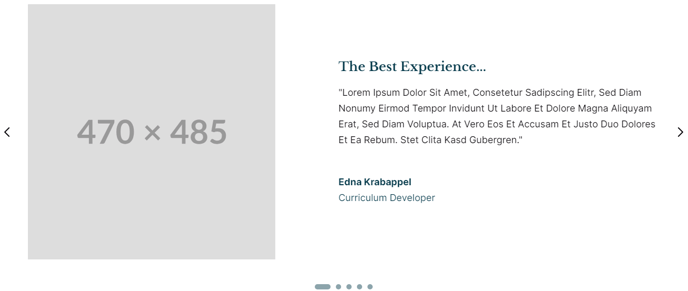
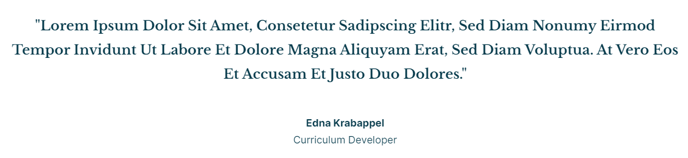
Display quotes and testimonials with optional source and portrait.
Example 1
**
 **
**
Example 2
**
 **
**
**View a live demo of this module.
**The following is a detailed listing of all the Content and Style fields available in this module.
Content
- Quotes [Group]
- Quote [Group]
- Text [Common Module Fields]
- Source Name [Text]
- Source Title [Text]
- Portrait [Image]
- Quote [Group]
- Layout [Group]
- Slider [Common Module Fields]
- Advanced [Common Module Fields]
Styles
- Dark Mode [Boolean]
Check to use Dark Mode colors set in the Theme Settings. - Module [Group]
- Module Styles [Common Module Fields]
- Text [Group]
- Text Styles [Common Module Fields]
- Source [Group]
- Font Styles [Common Module Fields]
- Slider Styles [Common Module Fields]
How to Use This Module
The Quotes module is essential for building trust and credibility on your HubSpot pages, particularly effective on homepages, about pages, and landing pages where social proof drives conversions. This module excels at showcasing testimonials from students, event attendees, or satisfied customers in a visually compelling format that aligns with Rubric’s educational focus.
When adding the Quotes module through HubSpot’s drag-and-drop page editor, you can create single testimonials or multi-quote carousels using the slider functionality. The portrait feature is particularly valuable for educational institutions displaying student or faculty testimonials, as it adds a personal touch that resonates with prospective students and parents.
Best practices for content editors:
Position quotes strategically near call-to-action sections or program descriptions to maximize impact. The Source Name and Source Title fields work together—use the name for the person’s actual name and title for their role, graduation year, or company affiliation. For academic sites, consider formats like “Class of 2023” or “Computer Science Student.”
The Dark Mode toggle integrates seamlessly with your theme settings, ensuring quotes maintain readability across different page designs. This is especially useful when placing testimonials on darker hero sections or colored backgrounds.
For events and conferences, leverage the slider layout to rotate through multiple attendee testimonials automatically. The module’s responsive design ensures quotes remain readable on mobile devices, where many prospective students first discover educational institutions.
Remember that this module inherits your theme’s typography settings, so testimonials will automatically match your site’s overall design language while maintaining the structured, professional appearance that makes Rubric ideal for education-focused websites.