Blog Listing
Share your knowledge with featured posts, topic-separated listings, and a sidebar to direct users to particular topics and resources.
Hidden Modules
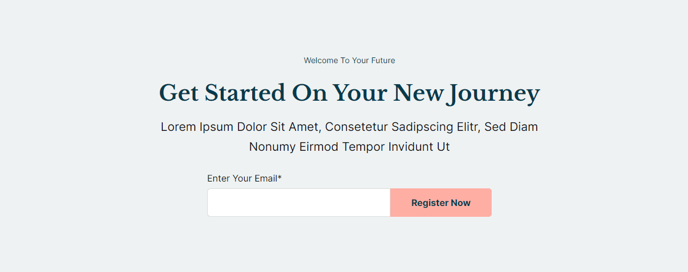
The following section is the hero used across all blog listing pages.
Section 1
Showcase your most recent posts.
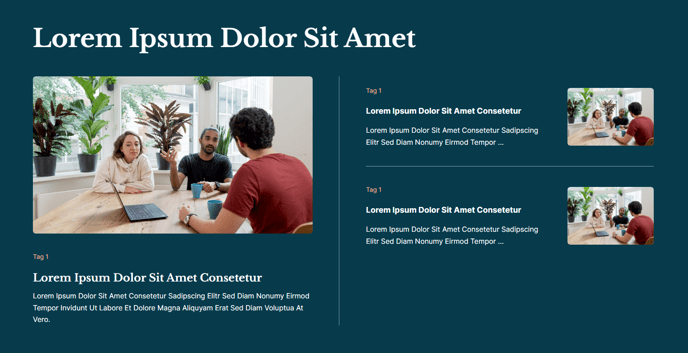
The following sections are used in the Main Listing of the template, seen on the main URL of the blog.
Section 1
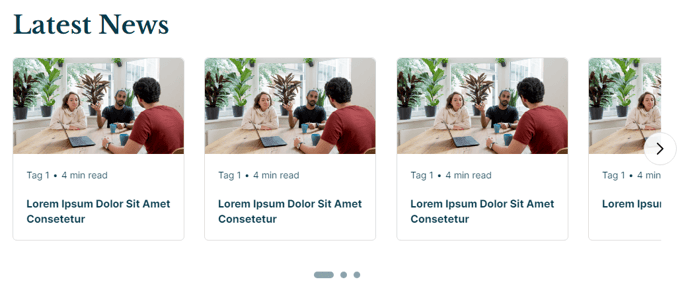
A slider listing a set of posts using a particular tag.
Repeats three times in the listing to showcase three topics.
Section 2
Simple decoration to visually divide each topic listing.
Repeats between each topic listing.
Section Styles
Alignment and spacing > Content alignment
Full Width
Alignment and spacing > Padding
Top: 0, Bottom: 0
Modules
**Divider Line
**_No changes from default state.
_
The following sections are used in the Tag Listing and Author Listing of the template, seen on /tag or /author URLs. View a demo of the Tag Listing here and view a demo of the Author Listing here.
Section 1
Simple heading with a callout box specifying the tag/author being listed
and providing a link back to the main listing.

Section 2
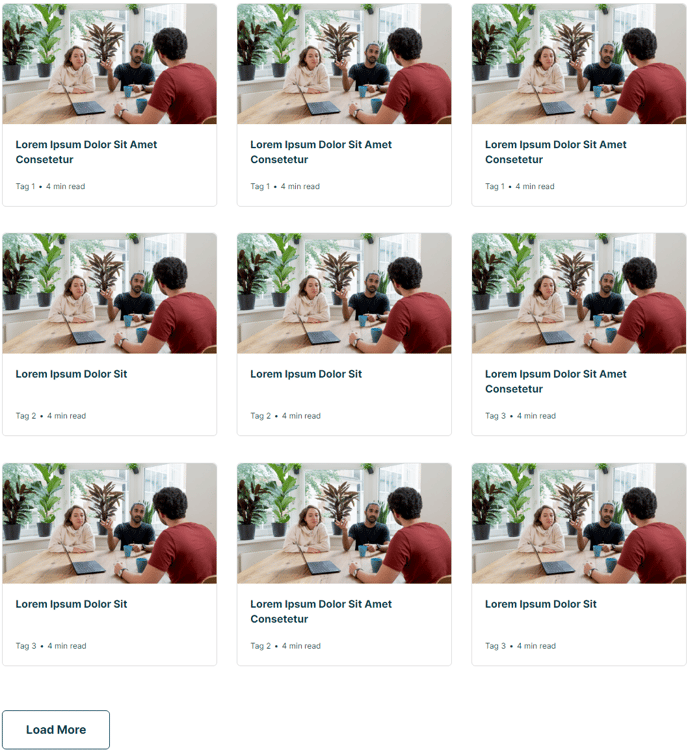
A listing of posts with infinite load.
The following sections are used in the Simple Listing of the template, seen all the /all page. View a demo of the Simple Listing here.
Section 1
Simple heading.
 Section Styles
Alignment and spacing > Content alignment
Full Width
Modules
Visible Elements
Heading
Section 2
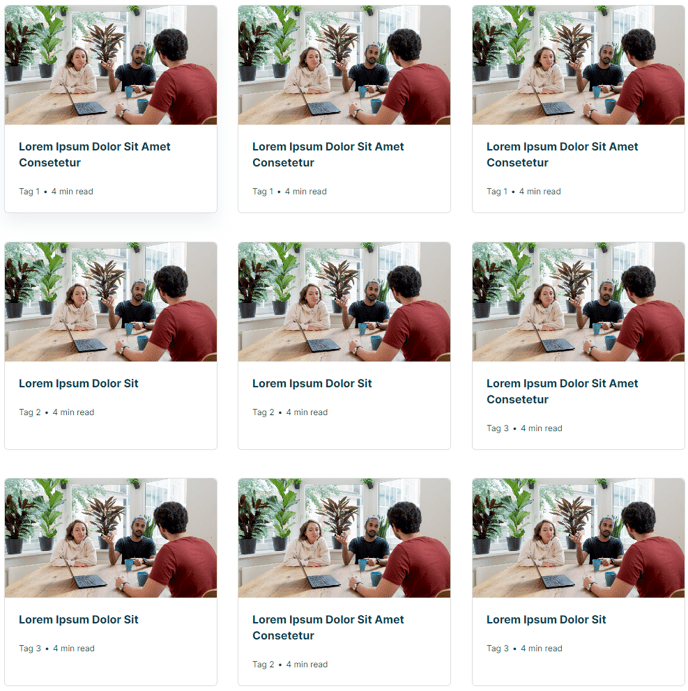
Listing of all blog posts.
Section Styles
Alignment and spacing > Content alignment
Full Width
Alignment and spacing > Padding
Top: 0
Modules
Card Style
Grid
Data Source
Blog
Blog Posts > Post Type
Listing
Blog Posts > Navigation Type
None
Blog Posts > Include
Tags, Read Time, Thumbnail
Layout > Desktop
Columns: 3
Layout > Tablet
Columns: 3
Layout > Mobile
Columns: 1
Styles > Text Tags > Divider
Bullet
The following sections are used in the Sidebar area of the template.
Section 1
Section Styles
Alignment and spacing > Content alignment
Full Width
Modules
Utility Items
Utility Type: Site Search
Content Types: Blog Posts
Styles > Search > Search Type
Box
Visible Elements
Heading
Semantic Heading Level
3
Style Heading Level
4
Styles > Module > Spacing > Desktop > Padding
Top: 40
Bottom: 20
Custom Tags > Dynamic Data
true
Custom Tags > Data Type
Blog Tags
**
Text Block**
Visible Elements
Heading
Semantic Heading Level
3
Style Heading Level
4
Styles > Module > Spacing > Desktop > Padding
Top: 80
Bottom: 20
Card Style
List
Layout > Add Divider
False
Layout > Desktop
Thumbnail Position: Left
Spacing Between Rows: 20
Spacing Between Image and Text: 20
Layout > Tablet
Thumbnail Position: Top
Spacing Between Rows: 20
Spacing Between Image and Text: 20
Layout > Mobile
Thumbnail Position: Left
Spacing Between Rows: 20
Spacing Between Image and Text: 20
Styles > Card > Box Shadow
Animate: None
Styles > Thumbnail > Aspect Ratio
1:1
Styles > Thumbnail > Width
90
Styles > Title > Font
Size: theme.typography.body_text_medium.font.size
Styles > Title > Mobile Font Size
theme.typography.body_text_medium.font.size
Visible Elements
Heading
Semantic Heading Level
3
Style Heading Level
3
Layout > Desktop > Button Position
Bottom
Styles > Module > Spacing > Desktop > Margin
Top: 80
Styles > Module > Spacing > Desktop > Padding
Top: 80
Bottom: 80
Styles > Text Alignment
Desktop: Center
The following sections are used in the Callout area of the template.
Section 1
Callout to a subscription form.