
Course Detail
Long form page to provide details such as course requirements, schedule, lessons, and frequently asked questions.
Hidden Modules
Section 1
Large informative hero to provide an overview of the course.
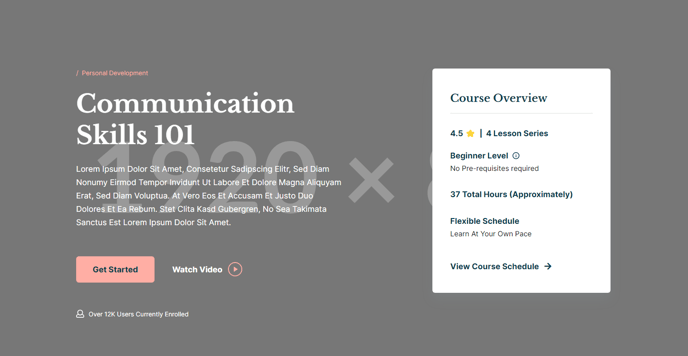
Section 2
Horizontal tabs for displaying multiple types of information.
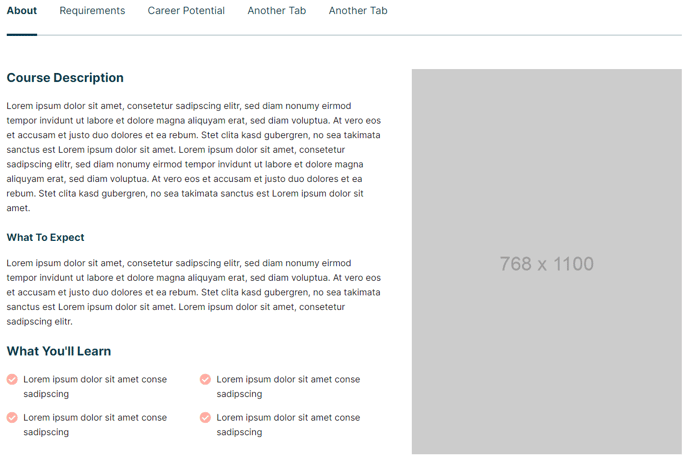
Section 3
A set of icons and text to showcase important benefits or features.

Section Styles
No styles have been applied.
Modules
_No changes to default state.
_
Section 4
Simple divider decoration.
Section Styles
No styles have been applied.
Modules
_No changes to default state.
_
Section 5
Multi-module section to display information such as
skills obtained, lessons in the course, and instructor information.
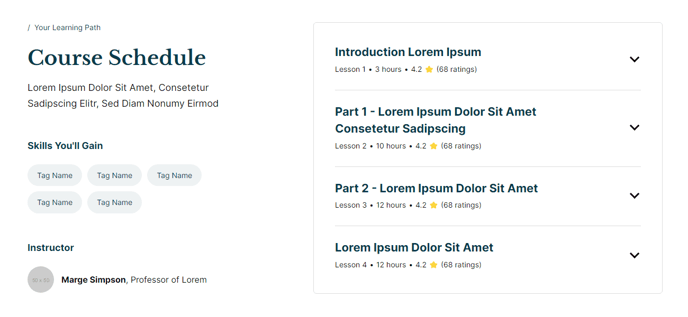
Section 6
Slider of testimonials from satisfied students.
Section 7
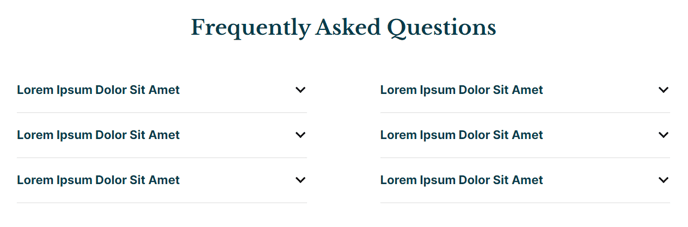
Two column section of frequently asked questions.
Section 8
Callout to a helpful resource.

Section Styles
Alignment and spacing > Max Width
theme.global.max_width_wide
Modules
Call to Action
No changes made to default state.
Section 9
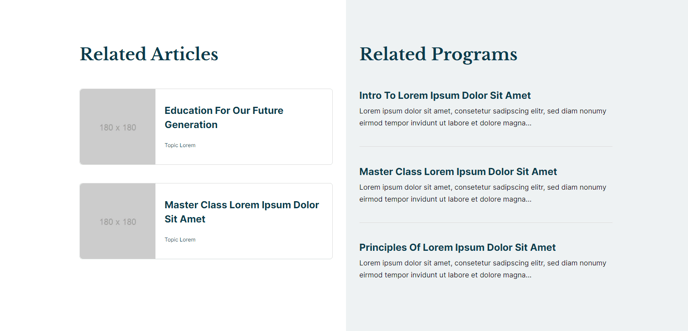
Two columns for listings of related resources.
Section 10
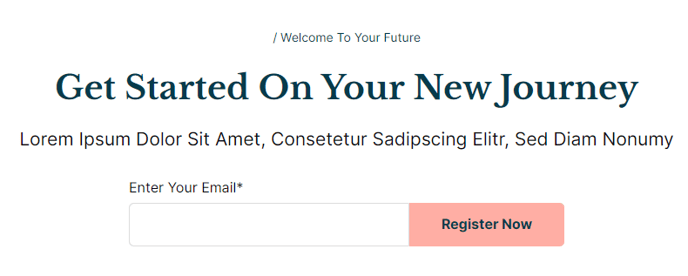
Callout to a form to sign up or get more information.
How to Use This Template
The Course Detail template is specifically designed for educational institutions and training organizations that need to present comprehensive course information in a structured, scannable format. This template excels at converting course browsers into enrolled students by providing all essential information in a logical flow that addresses common visitor questions.
When setting up this template in the HubSpot page editor, you’ll notice the strategic progression from high-level course overview to specific details and social proof. The Hero - Detailed section should highlight your course’s primary value proposition and key outcomes, while the Tabs - Link Style section allows you to organize dense information like curriculum, prerequisites, and schedules without overwhelming visitors.
Best practices for content editors:
- Use the Icon Text section to highlight 3-4 key course benefits or learning outcomes that differentiate your course
- Populate the Detailed Information section with concrete details like course duration, skill levels, and instructor credentials
- Include authentic student testimonials in the Quotes section to build trust and credibility
The template’s two-column FAQ section is particularly valuable for addressing enrollment objections and common concerns about prerequisites, certification, or technical requirements. Position your most frequently asked questions here to reduce support inquiries.
For course catalog sites, consider customizing the Related Resources section to showcase prerequisite courses, advanced follow-up courses, or complementary training programs. This creates natural upselling opportunities and helps visitors understand your complete educational pathway.
The template works seamlessly with HubSpot’s blog and landing page tools, making it easy to create coordinated marketing campaigns that drive traffic to specific course detail pages.