
Course Listing
Let users filter and search through all the courses you have to offer.
Hidden Modules
Section 1
Simple hero with centered text.

Section 2
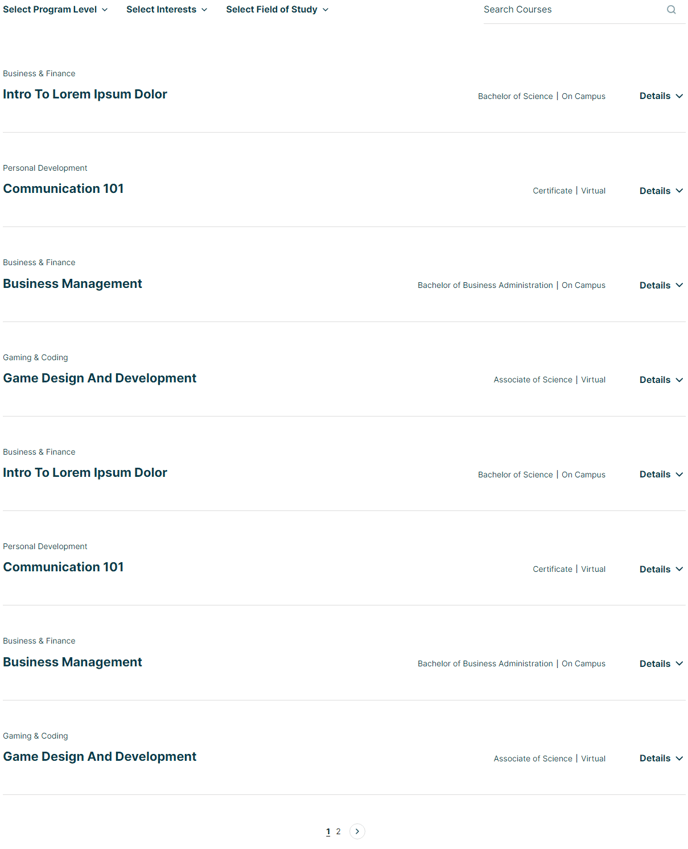
Detailed listing of resources with multi-select filters and search.
Section 3
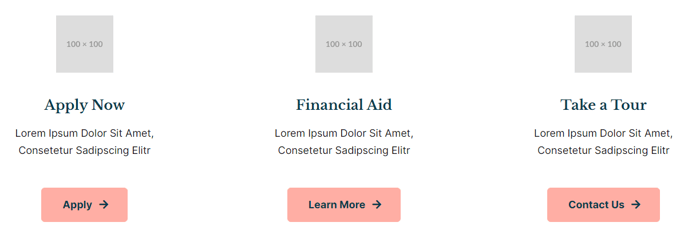
Link out to important resources.
Featured Items - Call to Actions
Section 4
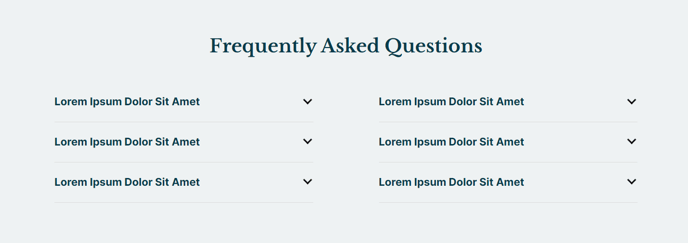
Answer potential students’ most asked questions.
How to Use This Template
The Course Listing template is specifically designed for educational institutions and training organizations that need to present multiple courses in an organized, searchable format. Unlike a simple page listing, this template provides advanced filtering capabilities that help prospective students quickly find relevant courses based on their interests and requirements.
When setting up this template in the HubSpot page editor, you’ll want to populate the course listing section with comprehensive course data including titles, descriptions, categories, and any relevant metadata for filtering. The multi-select filter functionality allows visitors to narrow down courses by subject area, difficulty level, duration, or any custom categories you define in your content strategy.
Best practices for optimization: Ensure your simple hero section clearly communicates your educational value proposition and includes relevant keywords for SEO. The course listing section performs best when you maintain consistent formatting across all course entries and use descriptive category labels that match how your audience naturally searches for educational content.
The FAQ section at the bottom addresses common concerns that often prevent course enrollment, such as prerequisites, scheduling, and certification details. Position your most conversion-critical questions first, as this section typically appears above the fold on mobile devices.
Content editor tip: Use the featured items CTA section to highlight popular courses, upcoming enrollment deadlines, or special programs. This section’s visual prominence makes it ideal for promoting high-value offerings or time-sensitive opportunities. You can easily update these featured items through the drag-and-drop editor without affecting the main course database.