
Event Listing
Let users browse all available events using filters, search, and a featured showcase.
Hidden Modules
Section 1
Simple hero with centered text.

Section 2
Showcase important or upcoming events

Section 3
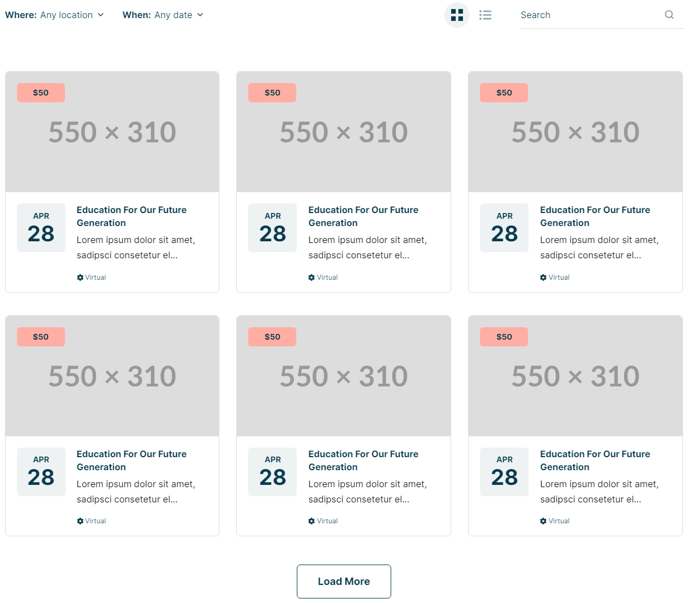
List out all events with optionable filters, listing style, and search.
Section Styles
Alignment and spacing > Padding
Top: 0
Modules
**Filterable Resources
**No changes from default state.
Section 4
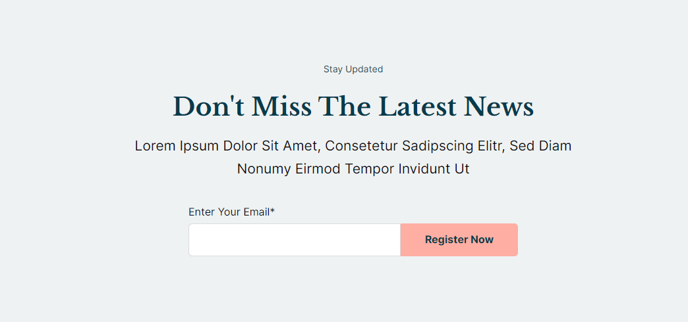
Call out a form to become a subscriber.
How to Use This Template
The Event Listing template serves as your main events directory page, designed specifically for organizations that host multiple events throughout the year. You can access this template through the HubSpot page editor when creating a new page, and it’s particularly effective as your primary /events landing page.
Setting Up Your Event Showcase
The Featured Event Slider in Section 2 automatically pulls from your most important events, giving you control over which events receive top billing. You can customize which events appear here by adjusting the filtering criteria in the section settings, allowing you to highlight upcoming deadlines, featured speakers, or premium events.
Maximizing the Filterable Resources Module
Section 3’s filterable system is the template’s core strength. Your visitors can sort events by date, category, location, or custom properties you’ve defined in your HubSpot event content. In the page editor, you can configure which filter options appear by accessing the module settings and selecting relevant event properties. Consider enabling the search functionality if you manage a large event calendar.
Content Strategy Tips
This template works best when you maintain consistent event data entry in HubSpot. Use standardized event categories and ensure your event featured images follow the same aspect ratio for visual consistency. The template’s responsive design automatically adjusts the grid layout based on screen size, so focus on creating compelling event descriptions that work well in both card and list views.
Integration with Other Pages
Link your individual event detail pages back to this listing template to create a seamless browsing experience. The template’s breadcrumb navigation and search functionality help visitors easily return to browse additional events.