
Instructor Detail
Provide contact information and other important details about instructors, staff, employees, etc.
Hidden Modules
Section 1
Simple hero with centered text.

Section 2
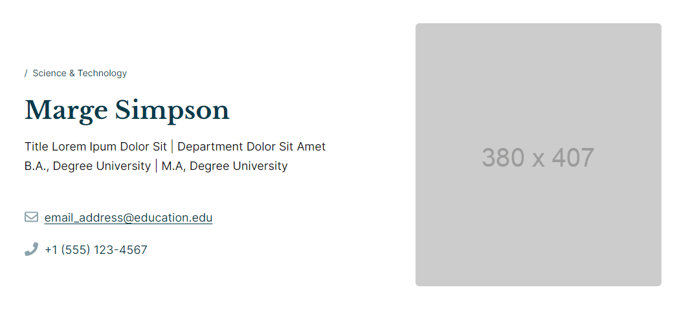
Profile photo, contact information,
and other quick personal information.
Section 3
Simple decoration to divide content.
Section Styles
Alignment and spacing > Padding
Top: 0
Bottom: 0
Modules
Divider Line
No changes to default state.
Section 4
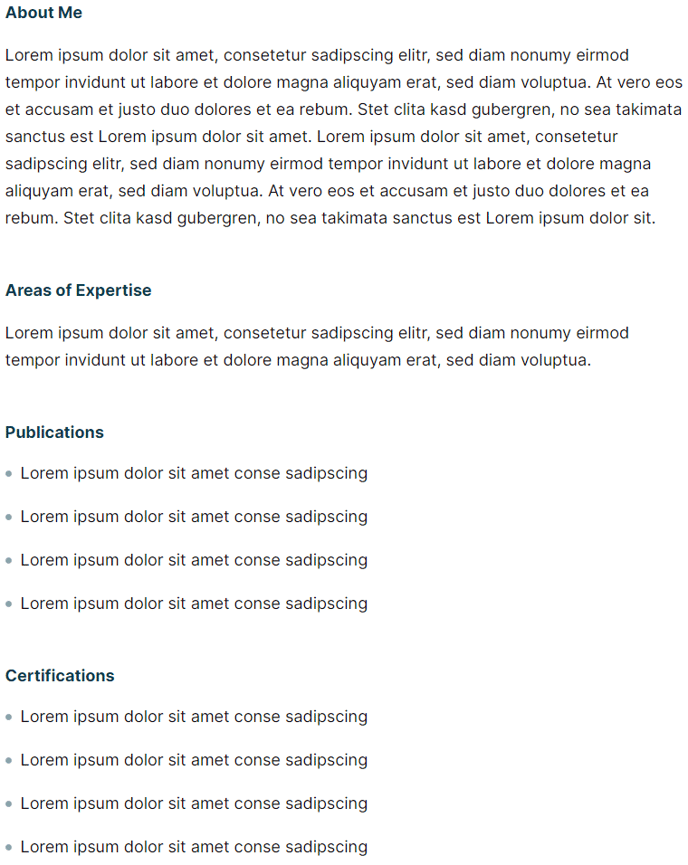
Long-form text information for more
detailed information.
Section 5
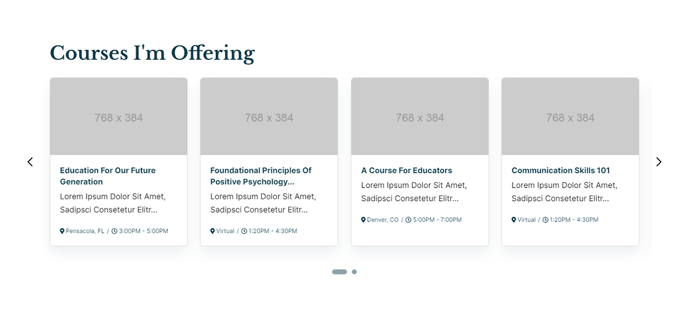
Display resources connected to this person.
Usage Guide
The Instructor Detail template is designed specifically for educational institutions and organizations that need to showcase faculty, staff, or team member profiles in a professional, structured format. This template works seamlessly with HubSpot’s CMS drag-and-drop page editor, allowing you to create comprehensive instructor profiles without requiring technical expertise.
When creating a new page with this template, you’ll find the sections are pre-configured for optimal visual hierarchy. The Personal Details section integrates with HubSpot’s contact management system, making it easy to pull instructor information directly from your CRM or manually input details like office hours, phone numbers, and email addresses. You can customize contact fields through the theme settings to match your institution’s specific needs.
The template’s Text Details section utilizes HubSpot’s rich text editor, enabling you to include formatted biographical information, educational background, research interests, and teaching philosophy. This section supports embedded media, making it perfect for including videos, additional images, or downloadable CVs.
One of the template’s standout features is the Resource Slider section, which can dynamically display related content such as courses taught, published papers, or upcoming events. You can configure this section to pull from HubSpot blog posts, landing pages, or custom content types using the page editor’s content filtering options.
For optimal performance, consider creating a dedicated parent page that lists all instructors, then link individual instructor detail pages from that hub. This approach improves site navigation and SEO performance. The template’s responsive design ensures instructor profiles display beautifully across all devices, maintaining professional presentation whether viewed on desktop or mobile.