
Registration
An informative landing page for users to register for services.
Hidden Modules
Section 1
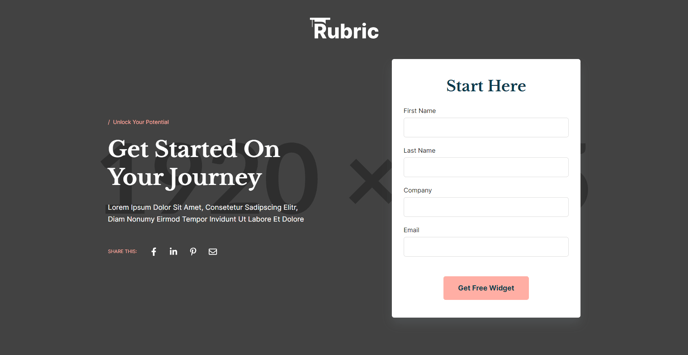
Large hero for a form and social sharing.
Section 2
Logos of affiliated companies.

Section Styles
Alignment and spacing > Max width
theme.global.max_width_wide
Alignment and spacing > Padding
Top: theme.global.spacing.sections / 2
Bottom: theme.global.spacing.sections / 2
Background > Background color
theme.gobal.colors.backgrounds.light.color
Modules
Visible Elements
Eyebrow
Styles > Module > Spacing > Desktop > Padding
Bottom: theme.global.spacing.rows
Styles > Text Alignment
Desktop: Center
Content Type
Logo Grid
Styles > Module > Alignment
Desktop: Center
Section 3
Introduction to the content.
Section 4
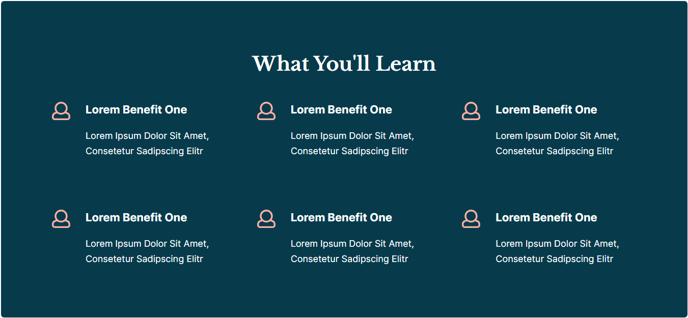
Large callout of benefits.
Section 5
Two column text with image.
Section 6
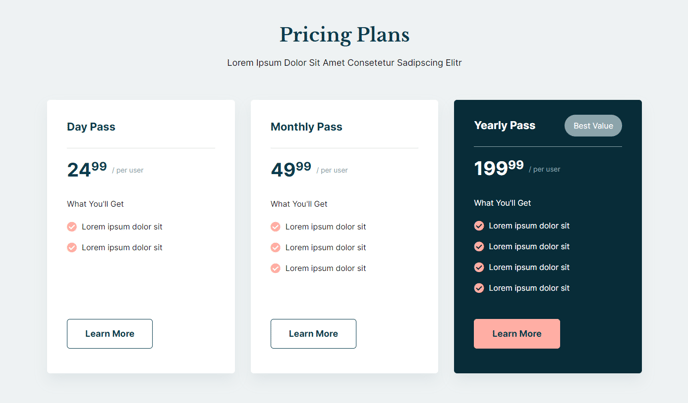
Pricing for the services being offered.
Section Styles
Background > Background color
theme.global.colors.backgrounds.light.color
Modules
Visible Elements
Heading, Body Text
Styles > Module > Spacing > Desktop > Padding
Bottom: theme.global.spacing.rows * 2
Styles > Text Alignment
Desktop: Center
**
Pricing Boxes**_
No changes made to default state._
Section 7
Show off products, events, etc. with a grid of images.

Section Styles
Alignment and spacing > Max width
1920
Alignment and spacing > Padding
Top: 50
Bottom: 0
Media
Media Type
Image
Image Content Type
Image Grid
Section 8
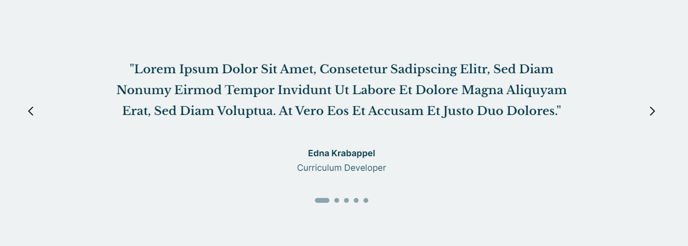
Testimonials from satisfied customers.
Section 9
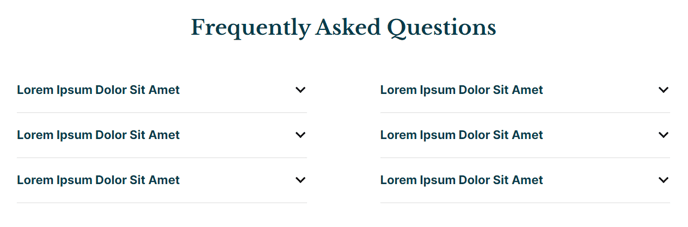
Answer the most asked questions.
Section 10
Direct users back to the hero form.
Section Styles
Alignment and spacing > Max width
theme.global.max_width_wide
Modules
Call to Action
Buttons
{
Style: Tertiary
Button Type: Anchor
Anchor: #registration-form
}
How to Use This Template
The Registration template is specifically designed for high-conversion landing pages where your primary goal is capturing user registrations for events, courses, services, or membership programs. Unlike other Rubric templates, this layout strategically places your registration form in the hero section to maximize visibility and encourage immediate action from visitors.
When setting up this template in your HubSpot page editor, you’ll want to customize the Hero - Registration section first, as it contains your primary conversion element. Connect your HubSpot form through the drag-and-drop interface and ensure your social sharing links align with your campaign goals. The hero’s prominent placement means visitors see your registration opportunity immediately without scrolling.
The template’s logo grid in Section 2 works particularly well for educational institutions showcasing accreditations or event organizers highlighting sponsors and partners. You can easily swap logos through the Logos module without touching any code. Consider using this section to build credibility and trust before visitors encounter your pricing information later in the page.
One unique feature of this template is the strategic placement of pricing information in Section 6, positioned after you’ve established value through benefits and informational content. This sequence helps justify your pricing by the time visitors reach it. The Pricing Boxes module integrates seamlessly with HubSpot’s payment tools if you’re selling tickets or memberships.
The template concludes with a smart call-to-action that uses anchor linking to direct users back to your registration form, creating a second conversion opportunity for visitors who scrolled through your entire page. This circular journey maximizes your registration potential by catching interested visitors at multiple decision points.