
Accordion
List of collapsible items for condensing content.
View a live demo of this module.
Content
- Change how many items to show per row (1-4)
- Add FAQ schema
- Set an item to be open by default
Styles
- Set Dark Mode
- Change text alignment
- Split lists into two columns
- Change border color
- Edit module spacing
Usage Guide
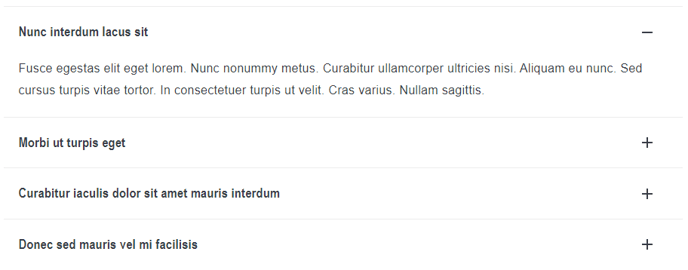
The Accordion module is perfect for organizing large amounts of information into a compact, scannable format on your HubSpot pages. This module works exceptionally well on FAQ pages, product documentation, service overviews, and support sections where you need to present detailed content without overwhelming your visitors with walls of text.
When adding this module through the HubSpot page editor, you’ll find it particularly useful for mobile optimization since accordions naturally condense content for smaller screens. The collapsible nature allows users to quickly scan topics and expand only the sections relevant to their needs, improving overall user experience and reducing page bounce rates.
For SEO benefits, enable the FAQ schema option when using this module for frequently asked questions. This structured data helps search engines understand your content better and can result in rich snippets appearing in search results, potentially increasing your click-through rates.
Consider using the multi-column layout feature when you have numerous accordion items – this prevents excessive vertical scrolling and makes better use of desktop screen real estate. The ability to have multiple items per row is especially valuable on landing pages where you’re highlighting different features or services.
Best practices for content editors include keeping accordion headers concise but descriptive, using parallel structure across all items, and strategically setting one item to open by default – typically your most important or commonly asked question. This gives visitors immediate context about the content type while encouraging interaction with other items.
The dark mode styling option makes this module versatile across different page designs, while the customizable spacing controls help you maintain consistent visual hierarchy with other page elements in your Spark Premium theme.