
Table of Contents
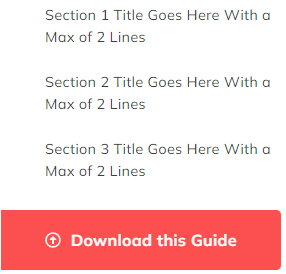
A list of links to use as a sidebar, particularly for a pillar page.
Content
- Set the table of contents to float below the header on mobile
- Set a mobile heading
- Manually enter list of links or dynamically create links from Section Heading modules added to the page
- Add CTAs and choose a CTA type (link, anchor to section on the page, or a form popup)
Styles
- Set Dark Mode
- Style the form popup if you have included one (remove box shadow, set dark mode, change background color, style border)
- Edit module spacing
How to Use This Module
The Table of Contents module serves as a navigation aid for long-form content pages, making it particularly valuable for pillar pages, comprehensive guides, and detailed blog posts. When visitors land on content-heavy pages, this module helps them quickly scan and jump to specific sections that interest them most.
You’ll find this module most effective when placed in a sidebar or at the top of your page content. The dynamic link generation feature is especially powerful—when you add Section Heading modules throughout your page content, the Table of Contents automatically creates anchor links to each heading, saving you time and ensuring your navigation stays synchronized with your content structure.
Best practices for implementation:
Position the module early in your page layout so visitors can orient themselves before diving into your content. The mobile-specific settings are crucial since table of contents can become unwieldy on smaller screens—use the mobile heading option to provide a condensed version or different messaging for phone users.
The anchor link functionality works seamlessly with HubSpot’s page editor. After adding Section Heading modules to your page, simply enable dynamic link generation in the Table of Contents module settings, and the theme automatically creates smooth-scrolling navigation between sections.
For pillar pages specifically, consider combining this module with CTAs that lead to related cluster content. This approach supports your SEO strategy by creating clear content hierarchies and improving user experience through intuitive navigation.
The module integrates with Spark Premium’s dark mode capabilities, ensuring your table of contents maintains visual consistency across different style preferences and matches your overall page design.