
Pillar Chapter - Gallery and Benefits
Content for a chapter in a pillar page. Includes an image gallery and two column icons with text for featuring benefits, features, services, etc.
View a live demo of this section.
Modules:
How to Use This Section
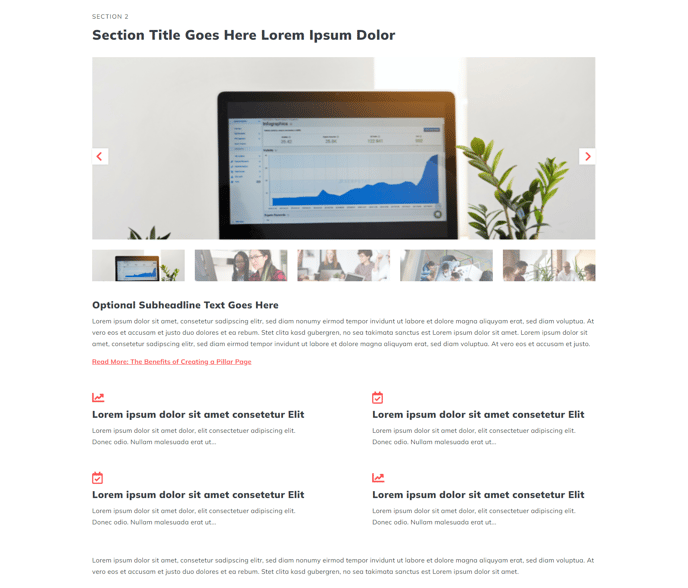
The Pillar Chapter - Gallery and Benefits section is specifically designed for breaking down complex topics into digestible segments within your pillar pages. This section combines visual storytelling through an image gallery with structured benefit presentations, making it ideal for educational content hubs and comprehensive resource pages.
You can add this section to any page in your HubSpot CMS using the drag-and-drop page editor. Simply navigate to the sections panel and locate this pre-built option under your Spark Premium sections. The section works particularly well on pillar pages, service overview pages, and product feature pages where you need to showcase multiple related images alongside key benefits or features.
When configuring the thumbnail slider, consider using high-quality images that directly relate to the chapter topic you’re covering. The slider allows visitors to browse through relevant visuals while reading your content, improving engagement and comprehension. Upload images through the HubSpot file manager and ensure they’re optimized for web viewing.
The icons with text module beneath the gallery should highlight 4-6 key points related to your chapter topic. Choose icons from the theme’s icon library that clearly represent each benefit or feature. This two-column layout ensures your key messages remain scannable even on mobile devices.
Best practices include keeping your section heading concise but descriptive, using the rich text module for 2-3 paragraphs of supporting content, and ensuring your benefits align with the images shown above. This section pairs well with other pillar chapter sections when building comprehensive topic clusters that boost your content’s search authority in HubSpot’s SEO tools.