
Team
List all the members of your company's team.
Default Modules:
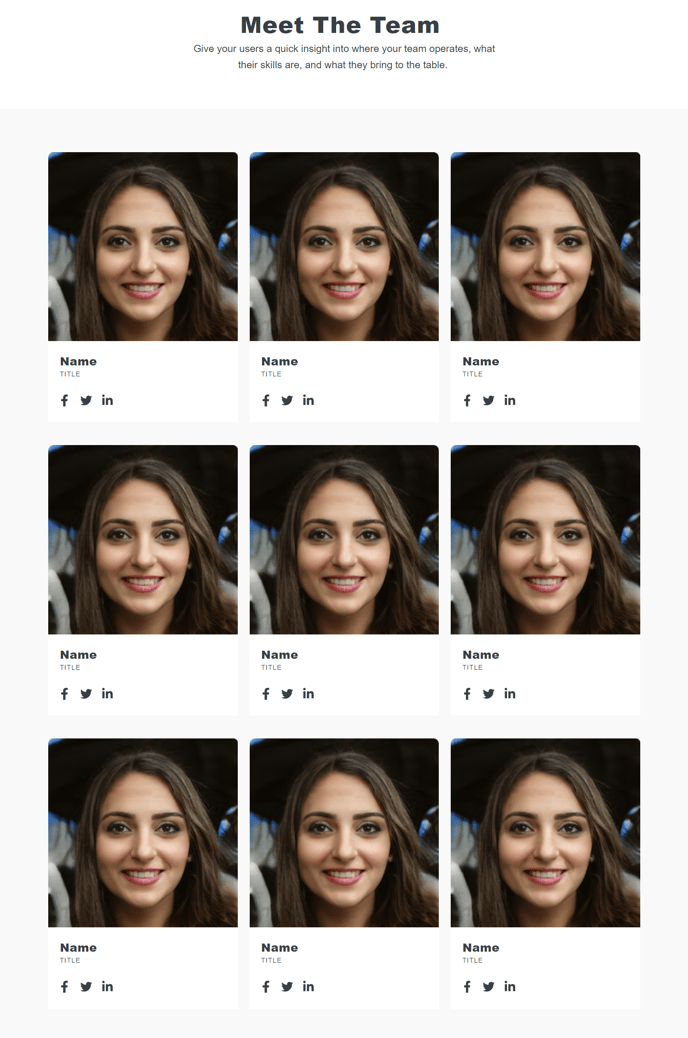
How to Use This Template
The Team template is specifically designed to showcase your company’s personnel in a professional, organized layout that builds trust with website visitors. Unlike general content pages, this template optimizes the presentation of team member information with structured data and consistent formatting across your entire team roster.
When you create a new page using the Team template in your HubSpot page editor, you’ll immediately have access to the four essential modules pre-configured for team pages. The Team Listing module serves as the centerpiece, allowing you to display team members in grid or list formats with photos, titles, bio information, and contact details. You can customize the layout through the module settings to show as many or as few details as needed for your organization.
Best practices for your team page: Use high-quality, consistently sized headshots for a professional appearance. The Theme Rich Text module works perfectly for adding an introductory paragraph about your company culture or team philosophy above the team listings. You can also leverage this module to create department sections if you’re organizing a large team by function.
The Schema module included with this template automatically generates structured data markup for your team members, helping search engines understand and display your team information in rich search results. This can improve your local SEO performance and make your business more discoverable.
Consider using HubSpot’s drag-and-drop editor to add additional sections like testimonials from team members or company values that complement your team presentations. The template’s flexible structure accommodates these additions while maintaining the core team-focused layout that makes this template distinct from standard content pages.