
Contact Information
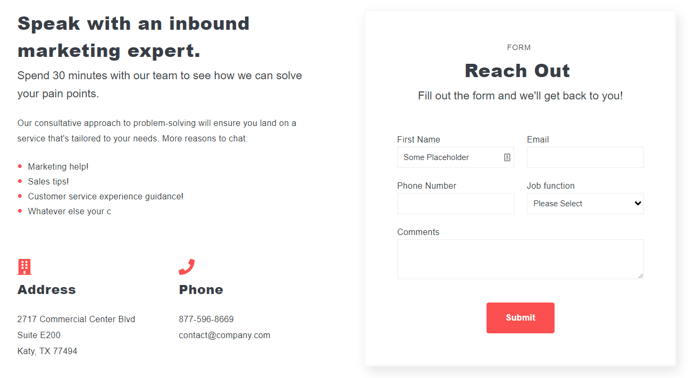
Text, form, and callouts for address and phone.
View a live demo of this section.
**
 **
**
How to Use This Section
The Contact Information section provides a professional layout that combines essential contact details with lead capture functionality in a single, cohesive design. This section is particularly effective on contact pages, location-specific landing pages, and service area pages where you need to display your business information while encouraging visitor engagement.
Visual Layout and Structure
The section features a multi-column design that balances text content, contact forms, and highlighted callout information. The layout automatically adapts to mobile devices, ensuring your contact details remain accessible and professional across all screen sizes. You can customize the visual hierarchy by adjusting heading styles and text formatting through the page editor’s rich text options.
Best Practices for Implementation
When adding this section through the drag-and-drop page editor, position it strategically near the top of your contact page or as a footer section on service pages. The integrated form module connects directly to your HubSpot CRM, automatically capturing leads and contact submissions. You can modify form fields through the form editor to collect specific information relevant to your business needs.
Customization Options
The callout areas work well for highlighting business hours, emergency contact information, or location-specific details like parking instructions. Use the theme’s color settings to ensure the contact information section aligns with your brand palette. The text modules support rich formatting, allowing you to add clickable phone numbers and email addresses that improve user experience on mobile devices.
This section performs exceptionally well on local business websites, professional service providers, and B2B companies where clear contact accessibility directly impacts conversion rates.