
Two Column - Icons - Left Heading
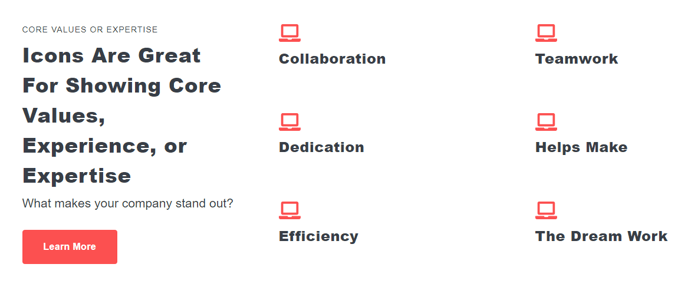
A two column section of Icons with Text modules with a left side heading.
View a live demo of this section.
Usage Guide
This two-column section is ideal for highlighting key features, services, or benefits on your marketing pages and landing pages. The left-aligned heading creates a natural reading flow that draws attention to your main message before visitors explore the individual icon items.
You can add this section to any page in your Spark theme by accessing the page editor and selecting it from the sections library. The drag-and-drop interface makes it easy to position between other content blocks, and you can customize the spacing through the theme’s section settings.
When to use this section: This layout works particularly well for feature overviews, service listings, or step-by-step processes where you want to present 2-6 key points with visual icons. The left heading acts as an introduction or category label, making it perfect for sections like “Why Choose Us” or “How It Works” on your homepage or service pages.
Each icon module within the section can be customized individually through the page editor. You can upload custom icons or choose from HubSpot’s icon library, adjust colors to match your brand, and write compelling copy for each item. The responsive design automatically stacks the columns on mobile devices, ensuring your content remains readable across all screen sizes.
Content strategy tip: Keep your heading concise and action-oriented, while using the individual icon text areas to elaborate on specific benefits or features. This creates a scannable hierarchy that helps visitors quickly understand your value proposition. Consider using consistent icon styles and colors that align with your brand guidelines set in the theme customizer.
The section integrates seamlessly with Spark’s other components, allowing you to build comprehensive landing pages by combining it with hero sections, testimonials, and call-to-action blocks.