
Team
List all the members of your company's team.
Default Modules:
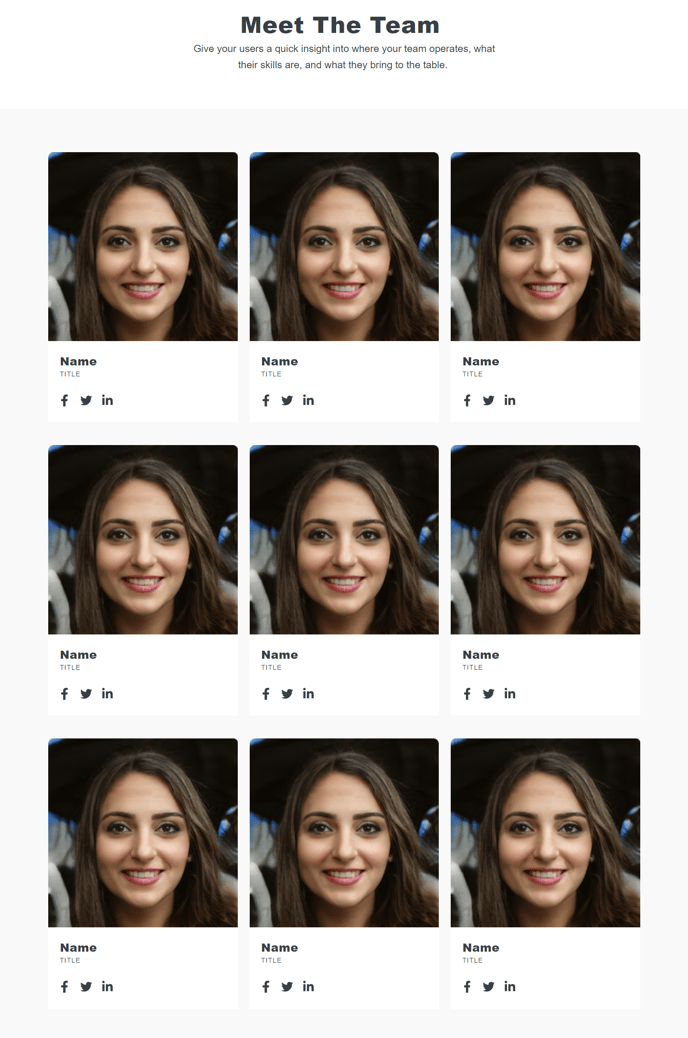
How to Use This Template
The Team template is designed to showcase your organization’s people in a professional, organized layout that builds trust and credibility with visitors. This template works particularly well for about pages, company overviews, or dedicated team sections where you want to highlight individual team members with photos, titles, and brief descriptions.
When you create a new page using the Team template in HubSpot’s page editor, you’ll start with a clean foundation that includes the Theme Rich Text module at the top and the Team Listing module as the main content area. The Theme Rich Text module is perfect for adding an introductory paragraph about your company culture, team mission, or departmental overview before visitors see individual team members.
The Team Listing module is the centerpiece of this template, allowing you to drag and drop team member profiles directly in the page editor. You can easily add new team members, upload headshots, include job titles, and write personalized bios without any coding knowledge. The module automatically maintains consistent formatting and spacing across all team member cards.
Pro tip: Use HubSpot’s drag-and-drop editor to reorder team members based on hierarchy, department, or alphabetical order. You can also customize the layout through the theme settings to control how many team members appear per row on different screen sizes.
This template integrates seamlessly with HubSpot’s contact database, so you can optionally link team member profiles to contact records for internal tracking. The responsive design ensures your team photos and information display perfectly on mobile devices, which is crucial since many visitors will view your team page on smartphones when researching your company.