
Image Slider
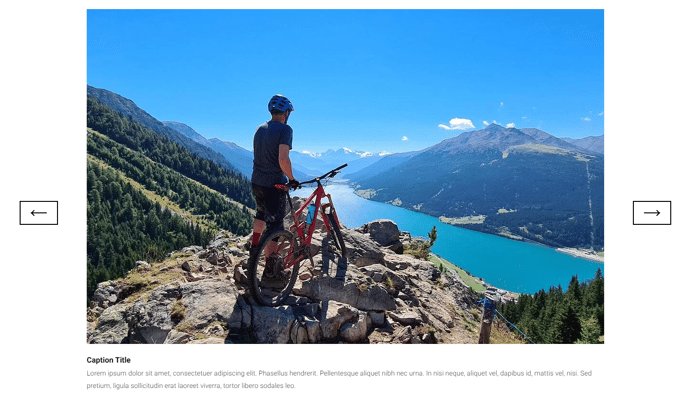
A multi-slide slider with images and captions to highlight information.
Note: The section this module is added to should have its Content Alignment set to Full width.
View a live demo of this module.
Content
- Include a heading with eyebrow, heading, sub-heading, text, and/or buttons
- Add as many slides as needed that include image and caption
Styles
- Set Dark Mode
- Change text alignment of heading
- Set a max width on the heading
- Change color of slider inactive and active pagination
- Change max width of slider
- Change height of inactive and active images
Usage Guide
The Image Slider module is designed to create engaging visual storytelling experiences on your HubSpot pages, making it ideal for showcasing product collections, customer success stories, or step-by-step processes. This module works particularly well on landing pages, product category pages, and homepage sections where you need to present multiple related concepts without overwhelming visitors with too much information at once.
When dragging this module into the HubSpot page editor, you’ll find it performs best in hero sections or feature highlight areas where visual impact is crucial. The module’s responsive design automatically adapts slide dimensions across devices, ensuring your content looks professional on desktop, tablet, and mobile screens.
Best practices for content editors:
Use consistent image dimensions across all slides to prevent jarring transitions and maintain visual flow. The caption feature supports rich text formatting, allowing you to include links, bold text, or call-to-action buttons that guide visitors to specific actions.
Consider your slide loading order when arranging content—place your most important message first since some visitors may not interact with the slider controls. The eyebrow and heading section above the slider works excellently for providing context about what visitors will see in the slides below.
Theme-specific advantages: The Traverse theme’s Image Slider includes advanced pagination styling options that many other HubSpot themes lack. You can customize both active and inactive pagination colors to match your brand palette through the module’s style settings, creating a cohesive visual experience that integrates seamlessly with your site’s overall design system.
For optimal performance, limit slides to 5-7 images maximum to maintain fast loading speeds while providing enough variety to keep visitors engaged.