
Hero - Simple
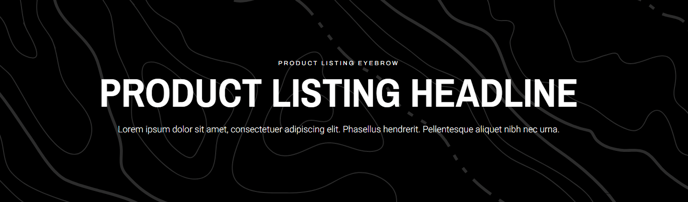
A hero with a background and centered text.
View a live demo of this section.
Modules
Usage Guide
The Hero - Simple section serves as a clean, impactful opening element for your HubSpot pages, featuring centered text overlaid on a customizable background image or color. This minimalist hero design works particularly well for product landing pages, service descriptions, or any page where you want to communicate a clear, focused message without visual distractions.
When adding this section through the HubSpot page editor’s drag-and-drop interface, you’ll find it positioned at the top of your page structure by default. The section’s single Theme Rich Text module gives you complete control over your headline, subtext, and call-to-action elements. You can format text using HubSpot’s rich text editor, including custom fonts that align with your Traverse theme settings, and add buttons or links directly within the content area.
Background customization happens through the section’s style settings in the page editor. You can upload a hero image that spans the full width of the section, or choose a solid color background for a more subtle approach. The centered text layout ensures your message remains readable regardless of your background choice, though you should test contrast levels to maintain accessibility standards.
This hero style works best when you have a single, compelling message to communicate. Choose the Hero - Simple over more complex hero sections when your page content is detailed below the fold, as it provides an elegant introduction without competing for attention. The section scales responsively across devices, automatically adjusting text size and spacing through the Traverse theme’s built-in mobile optimization.
For optimal results, keep your headline concise and use the Theme Rich Text module’s formatting options to establish a clear visual hierarchy between your main headline and supporting text.