
Tabbed Content - Vertical
A tabbed content module with vertical tab styling.
View a live demo of this section.
Modules
How to Use This Section
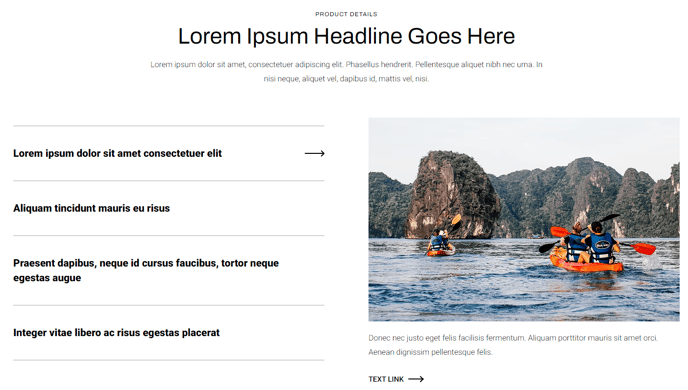
The Tabbed Content - Vertical section provides an elegant solution for organizing large amounts of information in a compact, user-friendly format. Unlike traditional horizontal tabs that can become crowded on mobile devices, this vertical layout maintains excellent readability across all screen sizes while maximizing your content real estate.
You can add this section to any page in your HubSpot CMS using the drag-and-drop page editor. Simply navigate to the Sections panel and locate the Tabbed Content - Vertical option. This section works particularly well on product pages, service descriptions, FAQ sections, and resource libraries where you need to present multiple categories of information without overwhelming your visitors.
When customizing this section, you’ll find the vertical tab design especially effective for content hierarchies with 4-8 different topics. The side-mounted navigation creates a natural reading flow that guides users through your content systematically. In the HubSpot page editor, you can easily modify tab labels, reorder content blocks, and adjust the visual styling to match your brand requirements.
Best practices for implementation include keeping tab labels concise (2-4 words maximum) and ensuring each content panel contains similar amounts of information for visual consistency. This section pairs exceptionally well with the Traverse theme’s other interactive components, creating cohesive user experiences that encourage deeper page engagement.
The vertical orientation also provides a significant advantage for mobile responsiveness, as the tab navigation transforms seamlessly into a stacked layout on smaller screens without losing functionality or visual appeal.