
System
Set of templates available for use on system pages.
Note: Read this HubSpot knowledge article on how to apply templates to your system pages. Currently, HubSpot does not have a page editor experience for system pages. If you wish to customize the system templates, you must create a child theme.
Included System Templates:
-
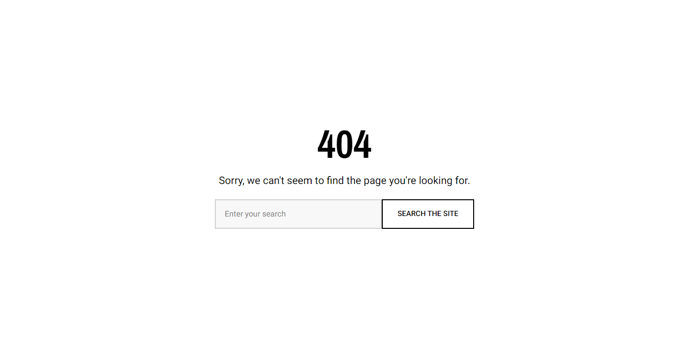
404 Error
-
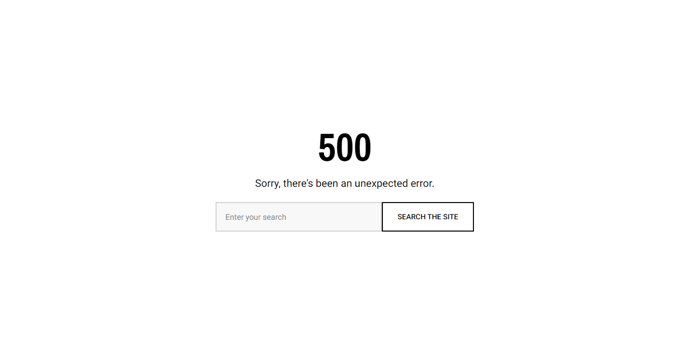
500 Error
-
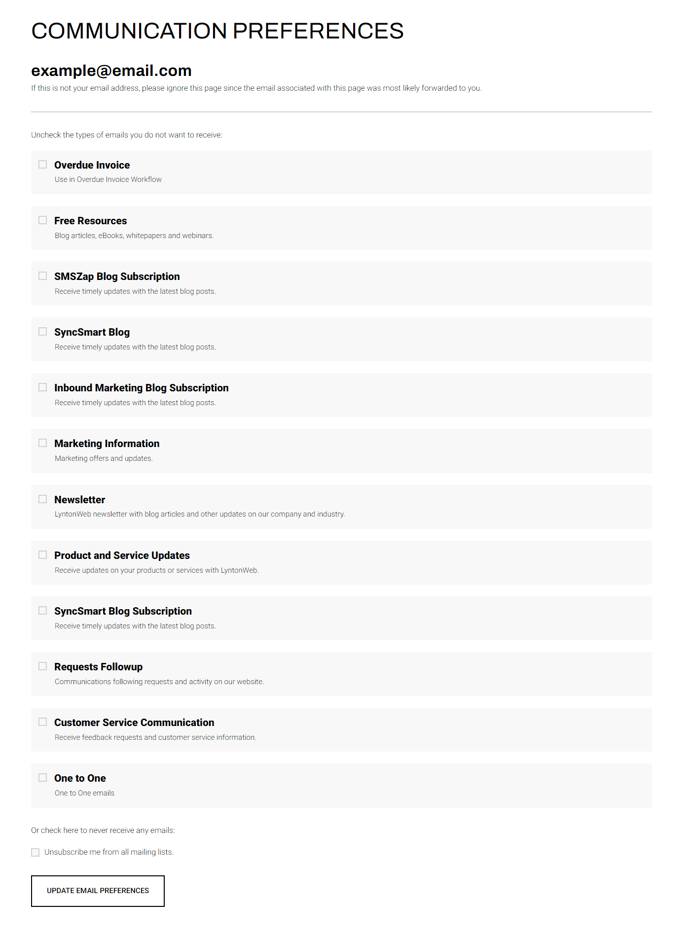
Subscription Preferences
-
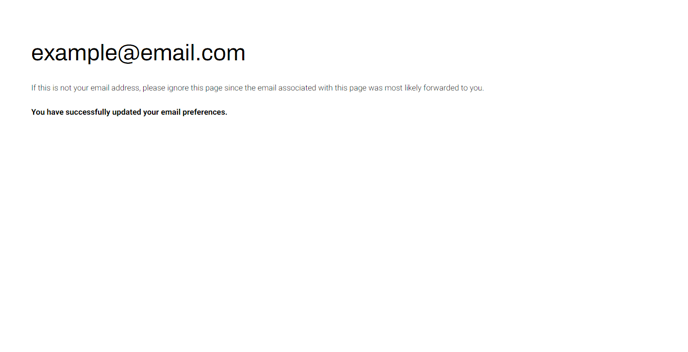
Subscription Confirmation
-
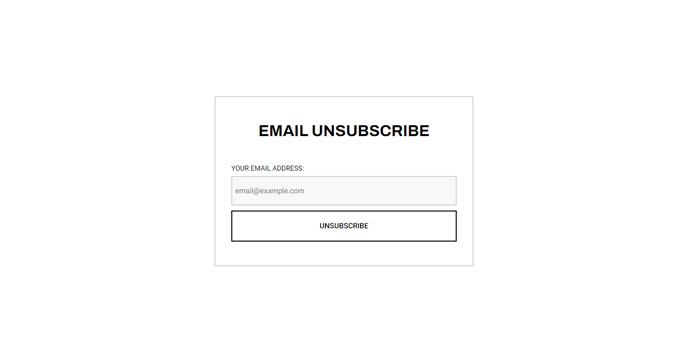
Email Backup Unsubscribe
-
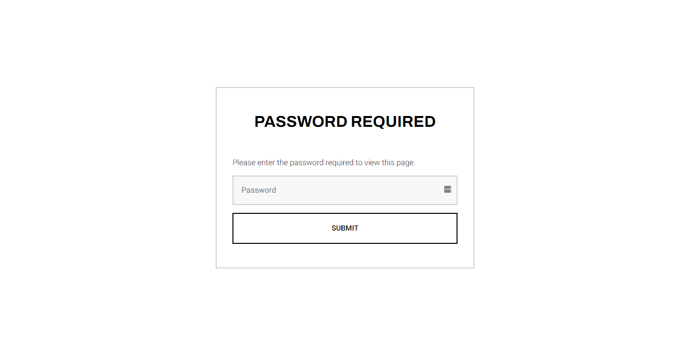
Password Prompt Page
-
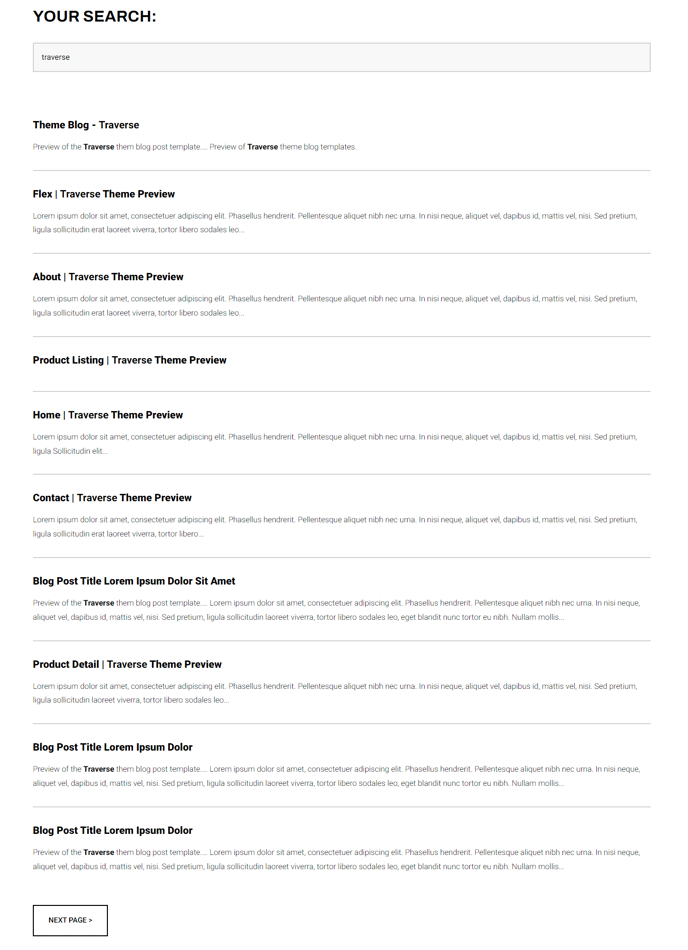
Search Results
-
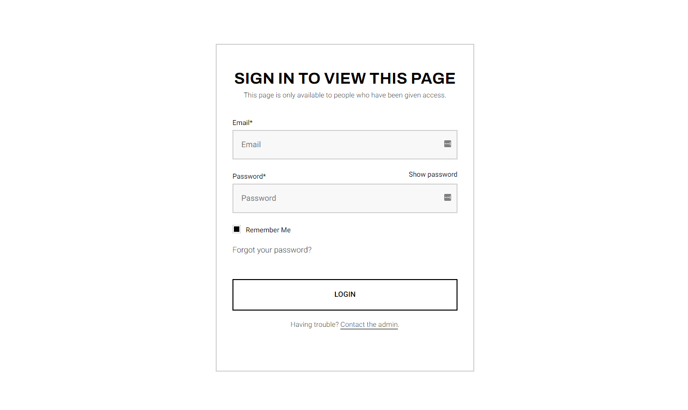
Membership Login
-
Membership Register
-
Membership Password Reset Request
-
Membership Password Reset
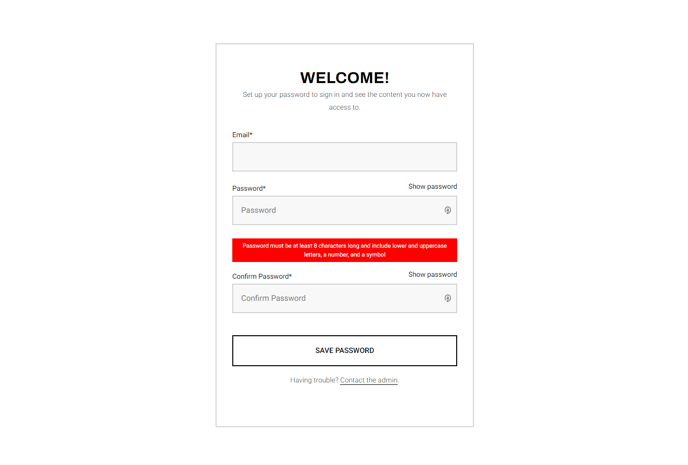
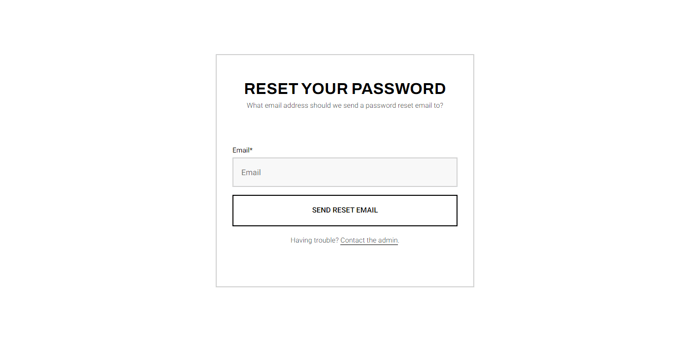
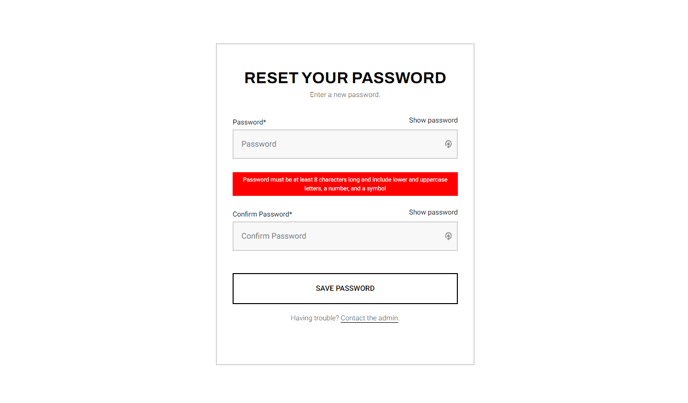
Understanding System Template Customization
System templates in the Traverse theme are pre-designed pages that handle critical user interactions and error states across your HubSpot CMS website. Unlike regular page templates that you can edit through HubSpot’s visual page editor, these system templates operate behind the scenes and require a more technical approach to customize.
The Traverse theme’s system templates are built with responsive design principles and maintain visual consistency with your main website design. Each template includes proper error handling, clear messaging, and intuitive navigation elements that guide users back to your main content areas. The 404 and 500 error pages feature helpful search functionality and suggested navigation paths, while the subscription management templates provide clean, professional interfaces for email preference management.
When working with these templates, remember that any customizations must be made through a child theme setup to preserve your changes during theme updates. The system templates automatically inherit your theme’s primary styling, including fonts, colors, and layout structures defined in your theme settings, ensuring brand consistency even on error pages.
Best practices for system template management:
- Test your customized error pages thoroughly to ensure they display correctly across devices
- Keep subscription preference pages simple and user-friendly to reduce unsubscribe rates
- Utilize the search results template’s filtering capabilities to help users find relevant content quickly
- For membership-enabled sites, ensure your login and registration pages align with your overall user experience strategy
These templates become active automatically when their corresponding system events occur, so proper setup is essential for maintaining professional user experiences throughout your entire website ecosystem.