
Related Posts
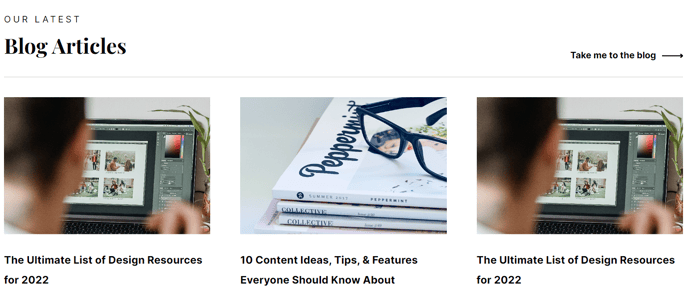
Dynamically generated posts related to the content of the current page.
View a live demo of this module.
Content
- Include a heading
- Show/hide thumbnail, tag, date, and/or summary
- Choose how many posts to show
- Module will pull resources from the portal’s default blog, but you can choose any blog in your portal to pull from
- Choose to show most recent posts, post with certain tags, and/or posts within a certain date range
- Choose where you want the summary to be pulled from and the max character length of the summary
Styles
- Set Dark Mode
- Change heading alignment
- Edit heading bottom border
- Edit background, border, and box-shadow of resource items
- Choose aspect ratio and hover animation for images
Usage Guide
The Related Posts module is designed to increase engagement and keep visitors exploring your content by automatically suggesting relevant blog posts based on the current page they’re viewing. This intelligent module works particularly well on blog post templates, landing pages, and resource pages where you want to guide readers to additional valuable content.
When you drag this module into the HubSpot page editor, it automatically analyzes the current page’s content and pulls related posts from your blog. The module is most effective when placed at the bottom of blog posts or in sidebar areas where readers naturally look for next steps after consuming your primary content.
For SaaS and technology companies using the Vertical theme, this module helps showcase your thought leadership content and educational resources. You can strategically use the tag filtering options to create themed content clusters — for example, showing only posts tagged with “product updates” on feature announcement pages, or displaying “case studies” on your pricing pages.
Best practices for setup: Configure the module to show 3-4 related posts to avoid overwhelming visitors, and always include thumbnails since visual elements significantly improve click-through rates. The summary feature works best when set to 120-150 characters to provide enough context without cluttering the layout.
The module’s dark mode styling option ensures it seamlessly integrates with your site’s design, especially important if you’re using the theme’s dark mode capabilities elsewhere. Remember that the module pulls from your portal’s default blog unless you specify otherwise, so if you have multiple blogs, double-check that you’re sourcing from the right one in the module settings.