
Staggered Images
A set of images with alternating top margins.
View a live demo of this module.
Content
- Choose how many images to show per row
Styles
- Set module to overlap section above or below it (only visible if section module is in and section module is overlapping have differing backgrounds)
- Add load-in animation to images
- Edit box shadow on images
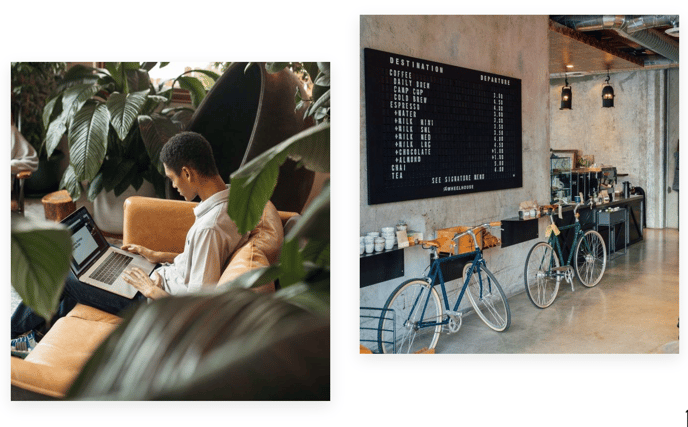
How to Use This Module
The Staggered Images module creates visual interest on your pages by displaying a collection of images with varying top margins, creating an organic, non-uniform layout that breaks away from traditional grid patterns. This module works particularly well for SaaS and technology companies looking to showcase product screenshots, team photos, portfolio pieces, or client logos in a more dynamic presentation.
You can add this module to any page template in the Vertical theme by dragging it from the module library in the HubSpot page editor. The staggered effect is most impactful when you upload 3-6 high-quality images of similar dimensions, as this creates the optimal balance between visual variety and clean presentation.
Best practices for implementation:
- Use this module on landing pages to showcase product features or customer success stories with supporting visuals
- Place it on about pages to display team photos or company milestone images in a more engaging format than standard grids
- Consider the staggered layout when selecting your images — vertical or square images often work better than wide horizontal shots
The overlap styling options become particularly powerful when you position this module between sections with contrasting backgrounds. For example, placing a staggered images module with white background overlap between two dark sections creates a layered, premium visual effect that enhances the modern aesthetic of the Vertical theme.
When configuring the load-in animations, consider your page’s overall performance and user experience. The subtle animation draws attention to your images without overwhelming visitors, making it ideal for highlighting key visual content like product demonstrations or team introductions.