
Tabbed Content
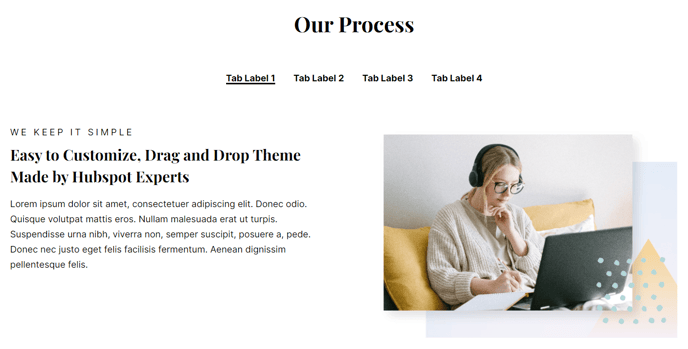
Tabular content that can contain text, calls to action, an image, video, and/or a form.
View a live demo of this module.
Content
- Include a heading
- Change orientation of navigation (horizontal or vertical)
- Add rows and columns to your tab content
- Change vertical alignment of rows
- Change max width of rows
- Change width of columns
Modules
- Set Dark Mode
- Change heading alignment
- Customize form styling
How to Use This Module
The Tabbed Content module is perfect for organizing large amounts of information without overwhelming your visitors. This module works exceptionally well on product pages, service descriptions, and FAQ sections where you need to present multiple categories of content in a compact, scannable format.
When you drag this module from the page editor sidebar onto your page, you can immediately start building your tabbed interface. The module’s flexibility shines in its ability to house different content types within each tab – combine text with CTAs in one tab, embed a form in another, and include video content in a third. This makes it ideal for software demo pages where you might have separate tabs for features, pricing, and getting started.
Best practices for content organization: Use clear, concise tab labels that immediately communicate what visitors will find inside. The horizontal navigation works well when you have 3-5 tabs with short labels, while vertical navigation is better suited for longer tab names or when you have more than five tabs to display.
The row and column system within each tab gives you precise control over content layout. You can create side-by-side comparisons by using multiple columns, or stack content vertically with multiple rows. The vertical alignment options ensure your content looks polished whether you’re mixing short and long text blocks.
This module pairs particularly well with the Vertical theme’s other content modules. Consider placing it below a Hero section to dive deeper into your main value propositions, or use it above a CTA section to provide detailed information before asking for action. The Dark Mode setting helps maintain visual consistency with your overall page design and brand requirements.