
Theme Form
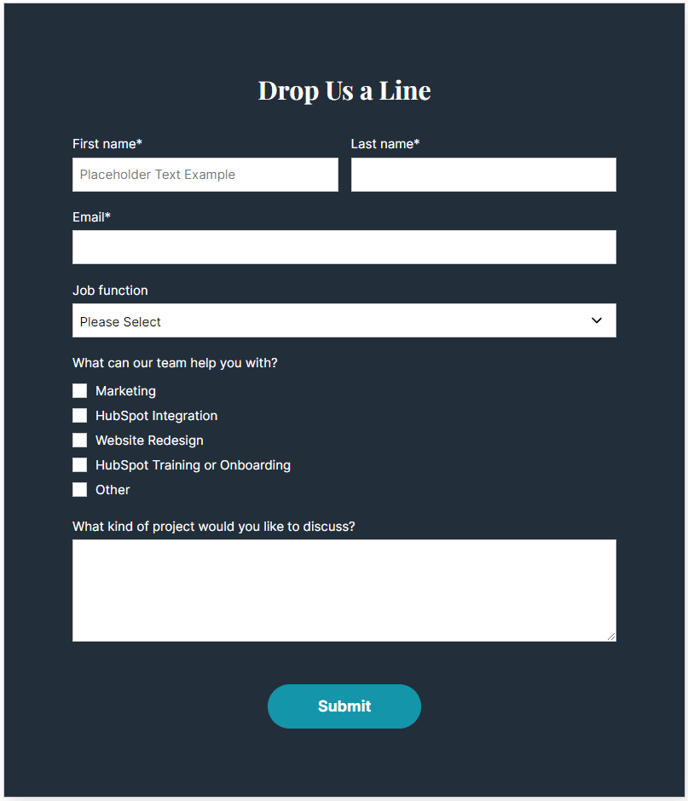
A form module with extra options not available in HubSpot's default module.
View a live demo of this module.
Styles
- Set Dark Mode
- Change heading alignment
- Change labels position (left, top, inset)
- Change button position (left, center, right, full width, single field) and color
- Box in the form (edit background, border, box-shadow, and padding)
Usage Guide
The Theme Form module serves as a powerful alternative to HubSpot’s standard form module, offering enhanced styling flexibility that aligns perfectly with the Vertical theme’s modern aesthetic. This module is ideal for SaaS and technology companies who need forms that seamlessly integrate with their brand while maintaining professional functionality.
You can use this module on any page type within the HubSpot page editor, though it’s particularly effective on landing pages, contact pages, and resource gating pages where form conversion is critical. The module works by wrapping your existing HubSpot forms with additional styling controls that aren’t available in the default form module.
When adding this module through the drag-and-drop editor, you’ll first select your HubSpot form from the form picker, then customize its appearance using the Vertical theme’s enhanced options. The label positioning feature is especially valuable for creating different form layouts – use inset labels for a modern, minimalist look, or top labels when you need maximum readability for complex forms.
The button positioning options give you precise control over your call-to-action placement. Choose “single field” positioning when creating inline subscription forms, or “full width” for prominent contact forms that demand attention. The boxing options allow you to create visually distinct form containers that stand out from your page content, which is particularly effective on busy pages with multiple content sections.
For optimal results, consider your page’s overall design when configuring the module. Dark mode works exceptionally well on pages with dark hero sections or when placed over background images, while the standard styling integrates smoothly with light-themed content areas.