
Image Gallery
A full-width section with an image gallery.
View a live demo of this section.
Modules:
Usage Guide
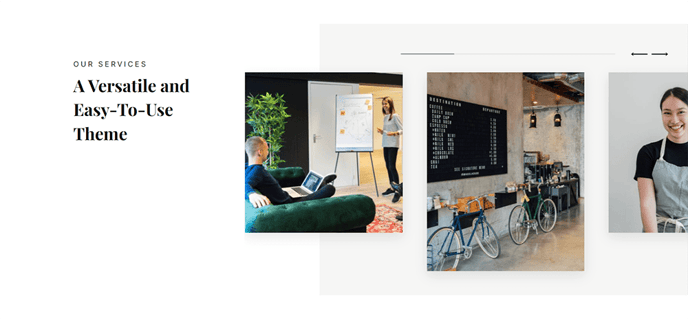
The Image Gallery section provides a full-width visual showcase that spans your entire page width, making it perfect for highlighting product screenshots, company photos, or portfolio pieces on your SaaS or technology website. This section works particularly well on About Us pages, product feature pages, and case study templates where you need to display multiple related images in an organized, professional layout.
When you add this section through the HubSpot page editor, you can drag and drop it anywhere on your page using the standard section controls. The Image Slider module that powers this section allows you to upload multiple images that visitors can navigate through, creating an interactive experience without overwhelming your page layout.
For optimal results, ensure your images are high-resolution and maintain consistent dimensions before uploading them to the HubSpot File Manager. The full-width design of this section means your images will be prominently displayed, so quality matters significantly for maintaining the professional aesthetic that the Vertical theme provides.
This section pairs exceptionally well with content sections above or below it — consider placing it after a text-heavy content section to break up your page flow, or use it near the top of landing pages to immediately capture visitor attention. The modern styling integrates seamlessly with other Vertical theme sections, maintaining visual consistency across your site.
You can customize the gallery through the module settings in the page editor, adjusting aspects like image spacing and navigation controls to match your specific content needs. The responsive design ensures your image gallery displays properly across all device types, automatically adjusting the layout for mobile and tablet viewers.