
Tabs
A tabular content section.
View a live demo of this section.
Modules:
How to Use This Section
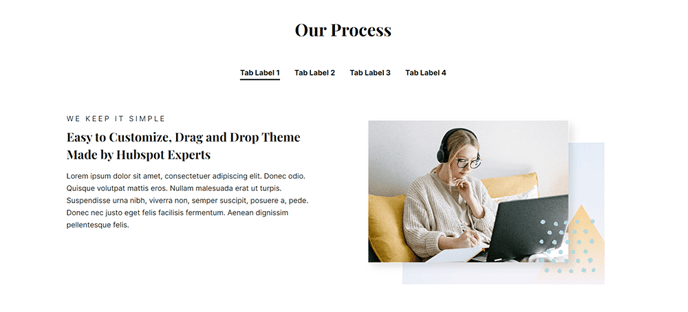
The Tabs section provides an elegant solution for organizing large amounts of content into digestible, space-efficient segments on your HubSpot pages. This section works particularly well for SaaS companies showcasing different product features, pricing tiers, or technical specifications without overwhelming visitors with information density.
When you add the Tabs section through HubSpot’s page editor, you can drag and drop it onto any page template within the Vertical theme. The section automatically inherits the theme’s modern typography and spacing, ensuring visual consistency across your site. You’ll find this section especially effective on product pages, service descriptions, and FAQ sections where you need to present multiple categories of information clearly.
Content Strategy Tips: Use descriptive tab labels that immediately communicate value to your visitors. For technology companies, consider organizing tabs by user personas (Developer, Marketing, Sales) or by feature categories. The tabbed format encourages deeper engagement since visitors actively choose which content to explore rather than passively scrolling.
Design Considerations: The Vertical theme’s bold aesthetic means your tab content should maintain visual hierarchy through proper heading structure and strategic use of white space. Consider the mobile experience when planning your content—tabs automatically adapt to smaller screens, but lengthy content within tabs may require additional scrolling.
Setup Recommendations: Test your tabs with real content before publishing. The section performs best when each tab contains roughly equivalent amounts of content, preventing jarring layout shifts as visitors navigate between options. You can customize colors and spacing through the theme’s global settings to match your brand guidelines while maintaining the section’s responsive behavior.