
Testimonials With Logos
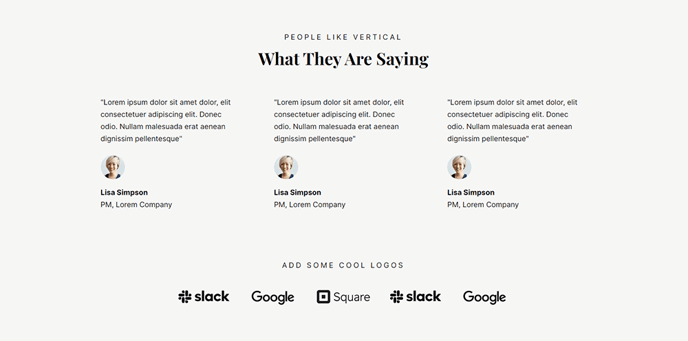
A set of three static testimonials with a heading and list of logos.
View a live demo of this section.
Modules:
How to Use This Section
The Testimonials With Logos section creates a powerful trust-building combination by displaying customer testimonials alongside recognizable brand logos. This layout is particularly effective for SaaS and technology companies who want to showcase both detailed customer feedback and visual proof of their client roster in a single, cohesive section.
When you add this section to your page through the HubSpot page editor’s drag-and-drop interface, you’ll get three customer testimonials positioned prominently above a grid of client logos. This vertical arrangement draws visitors’ attention to the detailed testimonials first, then reinforces credibility with the logo display below.
Best practices for this section:
Use it on your homepage, product pages, or dedicated customer success pages where establishing trust is crucial. The three-testimonial layout works well when you have varying customer stories to tell – consider featuring testimonials from different company sizes, industries, or use cases to demonstrate your solution’s versatility.
When configuring the testimonials, include customer photos, names, and job titles to maximize authenticity. The logo module below should showcase your most recognizable clients, as these serve as visual credibility indicators that visitors can quickly scan.
This section performs particularly well when placed above the fold on landing pages or in the middle section of your homepage after you’ve explained your value proposition. The combination format saves valuable page real estate compared to using separate testimonial and logo sections, while maintaining the visual impact of both elements.
For optimal results, ensure your testimonials highlight specific benefits or outcomes, and keep the logo grid balanced with consistent sizing and spacing through the theme’s built-in styling options.