
Two Column - Image Left
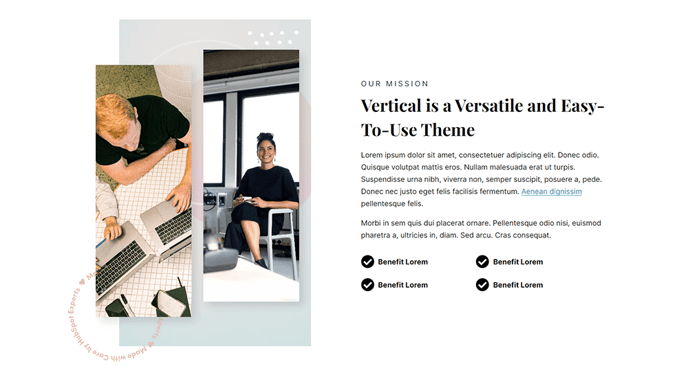
Two columns with text on the right and an image on the left.
View a live demo of this section.
Modules:
Usage Guide
The Two Column - Image Left section creates a powerful visual storytelling layout that’s particularly effective for SaaS product demonstrations, feature explanations, and company introductions. This section positions compelling imagery on the left side while dedicating the right column to detailed text content, making it ideal for pages where you want visuals to capture attention first before guiding readers to your messaging.
When to use this section: Choose this layout when you have high-quality product screenshots, team photos, or infographics that support your written content. It works exceptionally well on service pages, about pages, and product feature sections where the visual element helps explain complex concepts or builds trust with your audience.
To add this section to any page in the Vertical theme, simply drag it from the sections panel in HubSpot’s page editor onto your desired location. The Text and Image Columns module powering this section offers extensive customization options through the theme settings, allowing you to adjust spacing, alignment, and responsive behavior without touching code.
Pro tip: For optimal visual balance, use images with a 4:3 or 16:9 aspect ratio. The left-aligned image creates a natural reading flow for Western audiences, making this section particularly effective above the fold or as the primary content section on landing pages.
Consider alternating between Two Column - Image Left and Two Column - Image Right sections when building longer pages with multiple features or benefits. This creates visual rhythm and prevents your content from feeling repetitive while maintaining the clean, professional aesthetic that makes the Vertical theme perfect for technology companies seeking to establish credibility and showcase innovation.