
Two Column - Text Only With Background
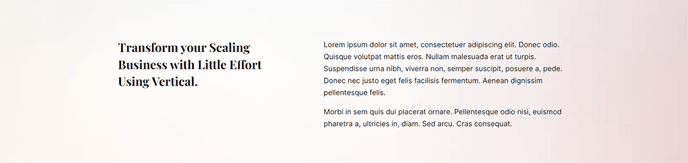
Simple two columns of text with a background image.
View a live demo of this module.
Modules:
Usage Guide
The Two Column - Text Only With Background section provides a clean, structured way to present dual-column content over a visually striking background image. This section works particularly well for SaaS and technology companies looking to highlight key features, benefits, or value propositions in a scannable format.
When to use this section: Choose this layout when you need to present comparative information, feature lists, or complementary content blocks that benefit from side-by-side presentation. The background image capability makes it ideal for hero-adjacent sections or anywhere you want to maintain visual interest while delivering substantial text content.
Page editor setup: After dragging this section into your page through the HubSpot page editor, you’ll find two separate Theme Rich Text modules that you can customize independently. Each column supports full rich text formatting, including headings, bullet points, links, and custom styling. The background image can be uploaded directly through the section’s design options in the sidebar inspector.
Design considerations: The Vertical theme automatically handles responsive behavior, stacking the columns on mobile devices for optimal readability. You can adjust the background image’s overlay opacity through the theme settings to ensure proper text contrast across both columns.
Content strategy tips: Keep your column content balanced in length to maintain visual harmony. This section excels when one column presents a problem or challenge while the other offers solutions, or when showcasing before-and-after scenarios. The background image should complement rather than compete with your text content—consider using subtle overlays or branded graphics that align with your company’s visual identity.
For maximum impact, pair this section with sections that have minimal backgrounds to create visual rhythm throughout your page layout.