
Speakers Slider
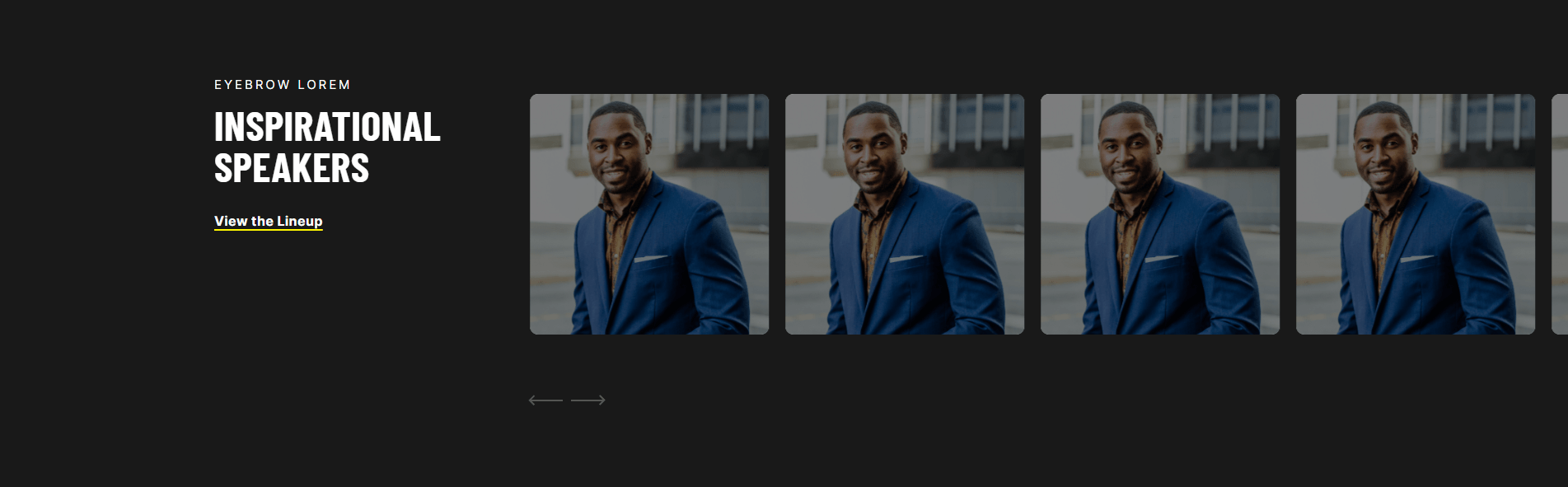
A full-width slider to showcase people such as speakers.
View a live demo of this section.
Modules
Usage Guide
The Speakers Slider section delivers a professional, full-width presentation format that’s perfect for showcasing keynote speakers, team members, or industry experts on your HubSpot pages. This section works exceptionally well on event landing pages, conference websites, and company About pages where you need to highlight multiple people with equal visual weight.
When you add this section through the HubSpot page editor, you’ll find it automatically spans the full width of your browser window, creating an immersive viewing experience that draws attention to your featured speakers. The slider format allows you to present multiple profiles without overwhelming the page layout, making it ideal when you have 4-8 speakers to showcase.
Best practices for implementation: Use high-quality, consistently sized headshots (ideally 400x400 pixels or larger) to maintain visual cohesion across all slides. The section works particularly well when placed after your event hero section but before detailed agenda or registration forms, creating a natural flow that builds excitement and credibility.
You can customize the slider’s appearance through the Brightlane theme settings, including slide transition timing and navigation style preferences. The responsive design automatically adjusts the layout for mobile devices, stacking speaker information vertically for optimal readability on smaller screens.
This section differs from standard team grids or individual profile modules by creating movement and engagement through its slider functionality. Consider using it when you want to create anticipation around your event lineup or when horizontal space is limited but you need to feature multiple personalities prominently. The slider format encourages visitors to interact with your content, potentially increasing page engagement time.