
Hero - Webinar [+ only]
Two column hero with options to add logo, text, date/time, and social share on one side and an image on the other side.
Note: This module is only available in Framework+, a paid version of Framework. Note: Set this module’s section’s Content Alignment to Full Width.
**
View a live demo of this module.**
Content
- Add image to one side; add logo, text, date/time, social share, and call to action to the other side.
- Change vertical alignment of content (top, middle, bottom)
- Change placement of content on desktop (image to right of text, image to left of text) and mobile (image above text, image below text)
- Change social label position (left, top right)
Styles
- Set Dark Mode
- Add background on desktop and mobile (can be color, gradient, or image)
- Change padding
- Add load in animation to image
- Change text alignment
- Change list styling
- Change social icon styling
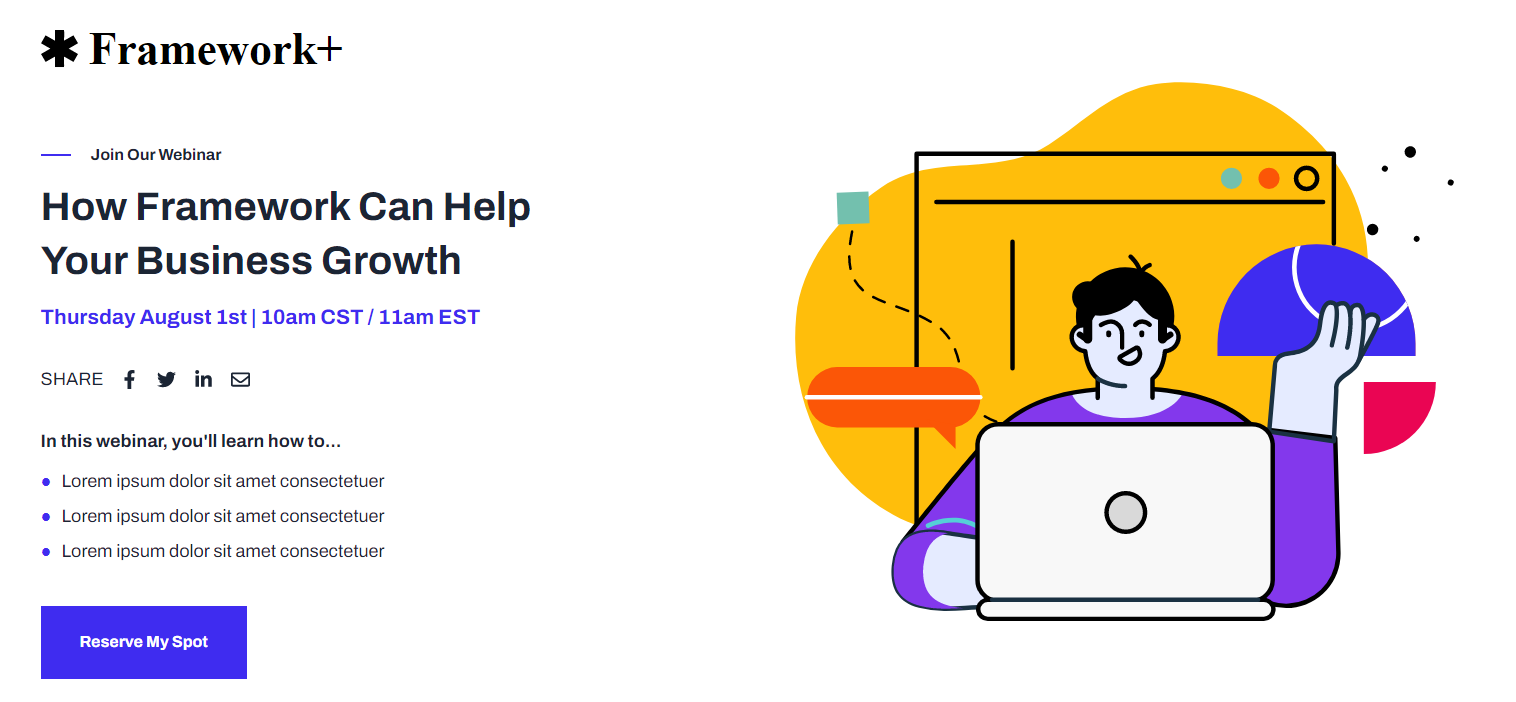
How to Use This Module
The Hero - Webinar module is specifically designed for event promotion and webinar landing pages, providing a professional layout that highlights key event details while maintaining visual appeal. This module excels on dedicated webinar registration pages, event announcement pages, and marketing campaign landing pages where you need to quickly communicate event value and drive registrations.
When adding this module through HubSpot’s drag-and-drop page editor, you’ll want to place it at the top of your page as the primary hero section. Remember to set your section’s Content Alignment to Full Width in the section settings to ensure the module displays properly across the full width of your browser window.
The module’s two-column structure allows you to balance promotional content with supporting visuals effectively. Use the image side to showcase speaker headshots, event branding, or relevant product screenshots, while the content side handles your event messaging, registration details, and social proof. The built-in date/time fields are particularly valuable for webinars since they automatically format event scheduling information consistently.
For mobile optimization, take advantage of the content placement options to control whether your image appears above or below your text content on smaller screens. This flexibility ensures your most important information—like registration deadlines or speaker credentials—receives appropriate priority on mobile devices.
The social share functionality becomes especially powerful for webinar promotion, as attendees can easily share your event across their networks. Position the social label strategically using the left or top-right options based on your overall page layout and call-to-action placement.
Consider using Dark Mode styling for technology-focused webinars or evening events to create appropriate atmosphere, while lighter backgrounds work well for educational or daytime business events.