
Contact Info
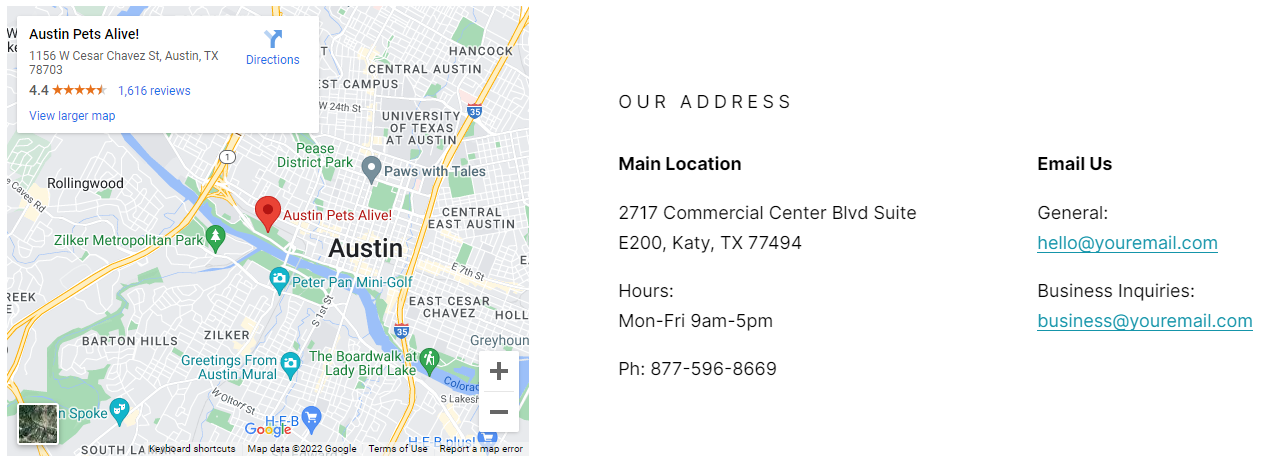
A map and text where you can include location and contact information.
View a live demo of this module.
Content
- Add embedded map or image
- Include heading above location/contact information
- Include information about location and contact
- Change vertical alignment
- Change placement of map/image on both desktop (left or right) and mobile (top or bottom)
Styles
- Set Dark Mode
- Change heading alignment
- Change text alignment
- Customize list styling
Usage Guide
The Contact Info module is designed to help your visitors easily locate and contact your business by combining visual mapping with essential contact details. This module works particularly well on Contact Us pages, location-specific landing pages, and footer sections where you want to provide comprehensive location information.
When adding this module through the HubSpot page editor, you’ll find it most effective on pages where location plays a key role in your customer journey. SaaS companies often use it on their “About Us” pages to showcase headquarters, while technology companies with multiple offices can create dedicated location pages featuring this module.
Best practices for implementation: Position your embedded map strategically based on your content hierarchy. If the physical location is crucial to your business (like a retail store or service center), place the map on the left or top for immediate visibility. For businesses where contact information takes precedence, position the map on the right or bottom to support the text content.
The vertical alignment options give you precise control over how your content balances visually. When your contact details vary in length—perhaps including office hours, multiple phone numbers, or detailed directions—adjust the alignment to create a polished, professional appearance.
Take advantage of the Dark Mode styling option when this module appears on pages using your theme’s dark sections. This ensures consistent visual flow throughout your site. The customizable list styling is particularly useful when including multiple contact methods, office locations, or department-specific information, allowing you to create scannable, organized content that guides visitors to the right contact method for their needs.