Icons with Text - 3 Items - Boxed In
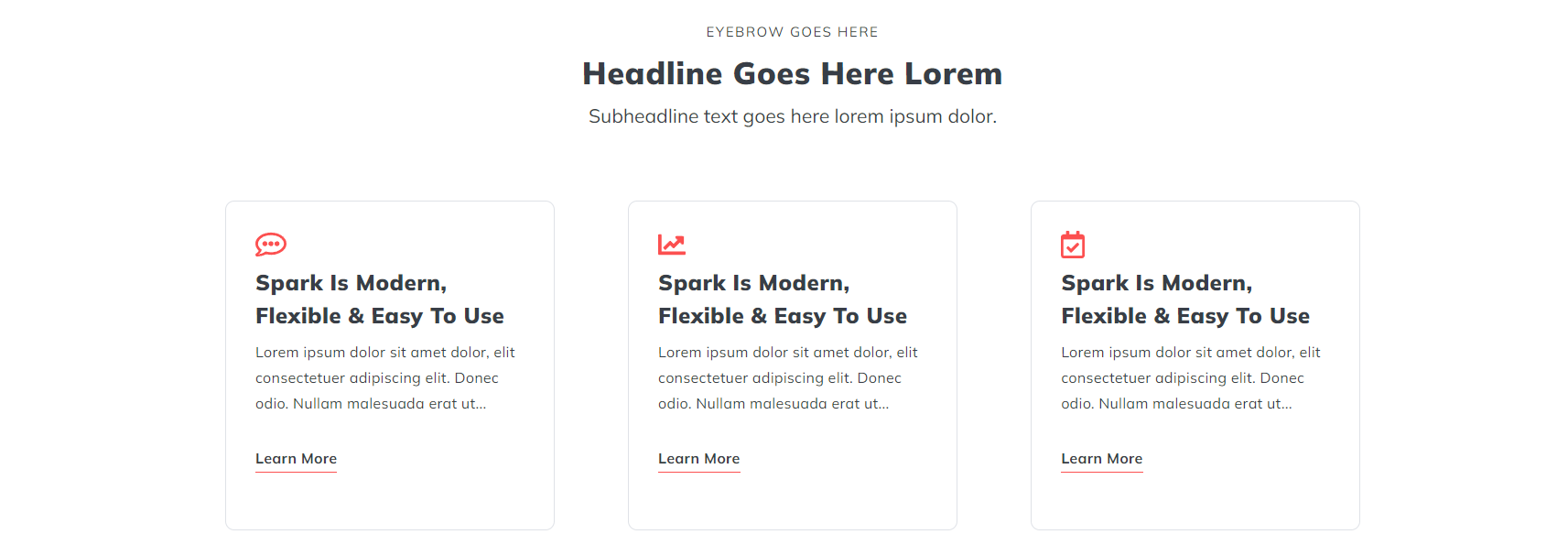
A heading and set of three Icon with Text items with a boxed in style.
View a live demo of this section.
Modules:
Usage Guide
The Icons with Text - 3 Items - Boxed In section creates a professional, structured layout that’s perfect for highlighting key features, services, or benefits on your HubSpot pages. This section combines visual icons with descriptive text in an organized three-column grid, enclosed within styled containers that help each item stand out.
You can add this section to any page through the HubSpot page editor by dragging it from the available sections panel. The boxed design makes it particularly effective for homepage feature highlights, service overviews, or step-by-step process explanations where you want each element to feel distinct and important.
The section’s flexibility comes from its modular approach. You can customize the heading content using the Theme Rich Text module to introduce your three items, while the Icons with Text module handles the visual elements. When editing, you’ll find options to upload custom icons or select from the theme’s icon library, adjust text content, and modify styling elements like colors and spacing.
Best practices for this section include:
- Keep your text concise and scannable across all three items
- Choose icons that clearly represent each concept
- Maintain consistent text length between items for visual balance
- Use action-oriented headlines that speak to your audience’s needs
This boxed layout works exceptionally well on landing pages where you need to quickly communicate value propositions, or on service pages where you’re breaking down complex offerings into digestible chunks. The contained design helps prevent visual overwhelm while maintaining clear hierarchy, making it easier for visitors to process your key messages at a glance.
Consider pairing this section with call-to-action buttons below for maximum conversion potential.