Text - Video
Two-column section with text, a button, and a popup video.
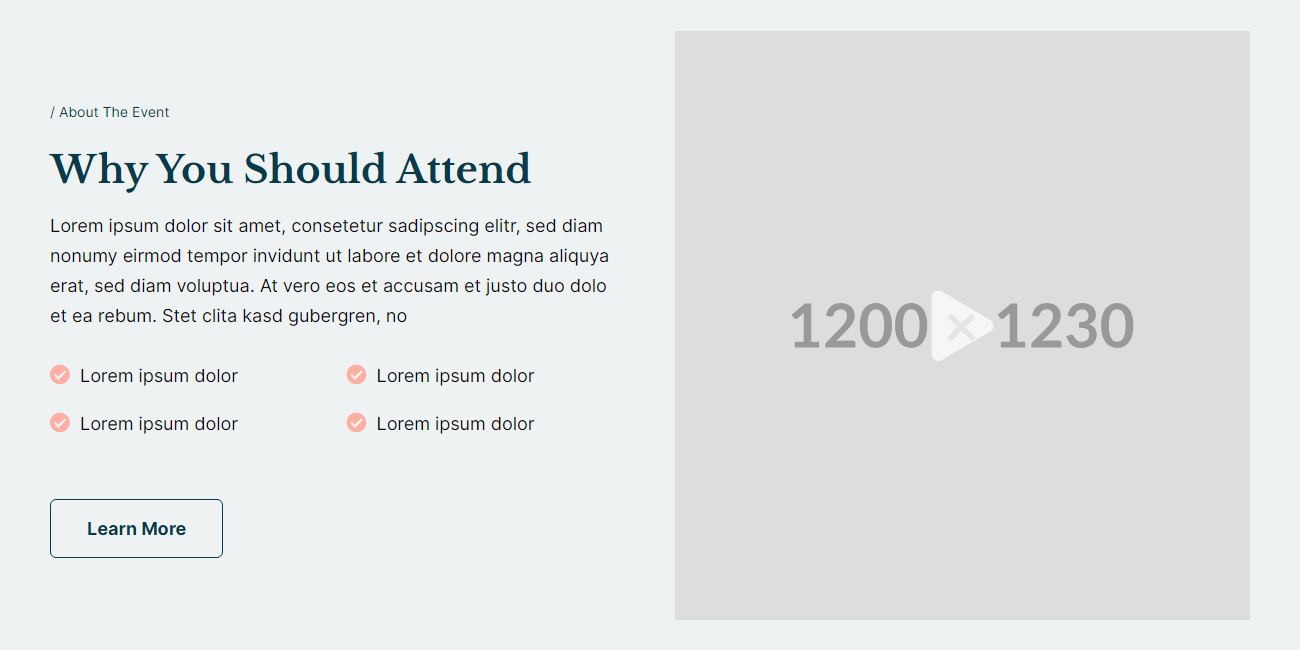
View a live demo of this section here.
The following is a detailed listing of the styling edits made to the section, the modules used in the section, and field changes from the modules’ default state.
Section Styles
Alignment and spacing > Vertical alignment
Middle
Background > Color
theme.global.colors.backgrounds.light.color
Modules
Visible Elements
Eyebrow, Heading, Body Text
Lists Icon
true
Lists Columns
true
Utility Items
Utility Type: Button
Styles > Module > Spacing > Desktop > Padding
Top: 50
Media Type
Video
Styles > Module > Animation
Fade Left
Usage Guide
The Text-Video section creates an engaging two-column layout that balances written content with visual media, making it ideal for product demonstrations, testimonials, or educational content on your HubSpot pages. This section works particularly well on landing pages, service pages, and product detail pages where you need to explain complex concepts while maintaining visitor engagement.
When building this section in the HubSpot page editor, you’ll notice the left column accommodates substantial text content through the Text Block module, including an eyebrow heading for context, a main headline, and detailed body copy. The list formatting options allow you to present features or benefits in an organized, scannable format that improves readability and user experience.
The right column’s Media module is configured specifically for video content with a subtle fade-left animation that draws attention without being distracting. Consider using this section when you have a product demo, customer testimonial video, or explainer content that supports your written messaging. The popup video functionality keeps users on your page rather than directing them away to external video platforms.
Pro tip: When setting up the Utility module’s button, align your call-to-action with your video content. If your video demonstrates a product feature, your button should lead to a trial signup or product page. This creates a natural conversion path from awareness (reading) to engagement (watching) to action (clicking).
The light background color ensures good contrast for text readability while maintaining visual hierarchy. You can easily swap out the video content through the Media module settings in the page editor without needing to rebuild the entire section structure.